
Most groups have many security tools. The firewall logs traffic, Entra ID logs sign-ins and Defender logs events on the computers. The problem is that nobody sees the whole picture. Microsoft Sentinel gathers all logs in one place and links events that belong to the same attack.
Together with Defender XDR, the security team therefore gets one complete picture of what is happening, whether the attack starts in email, on a computer or in the cloud.
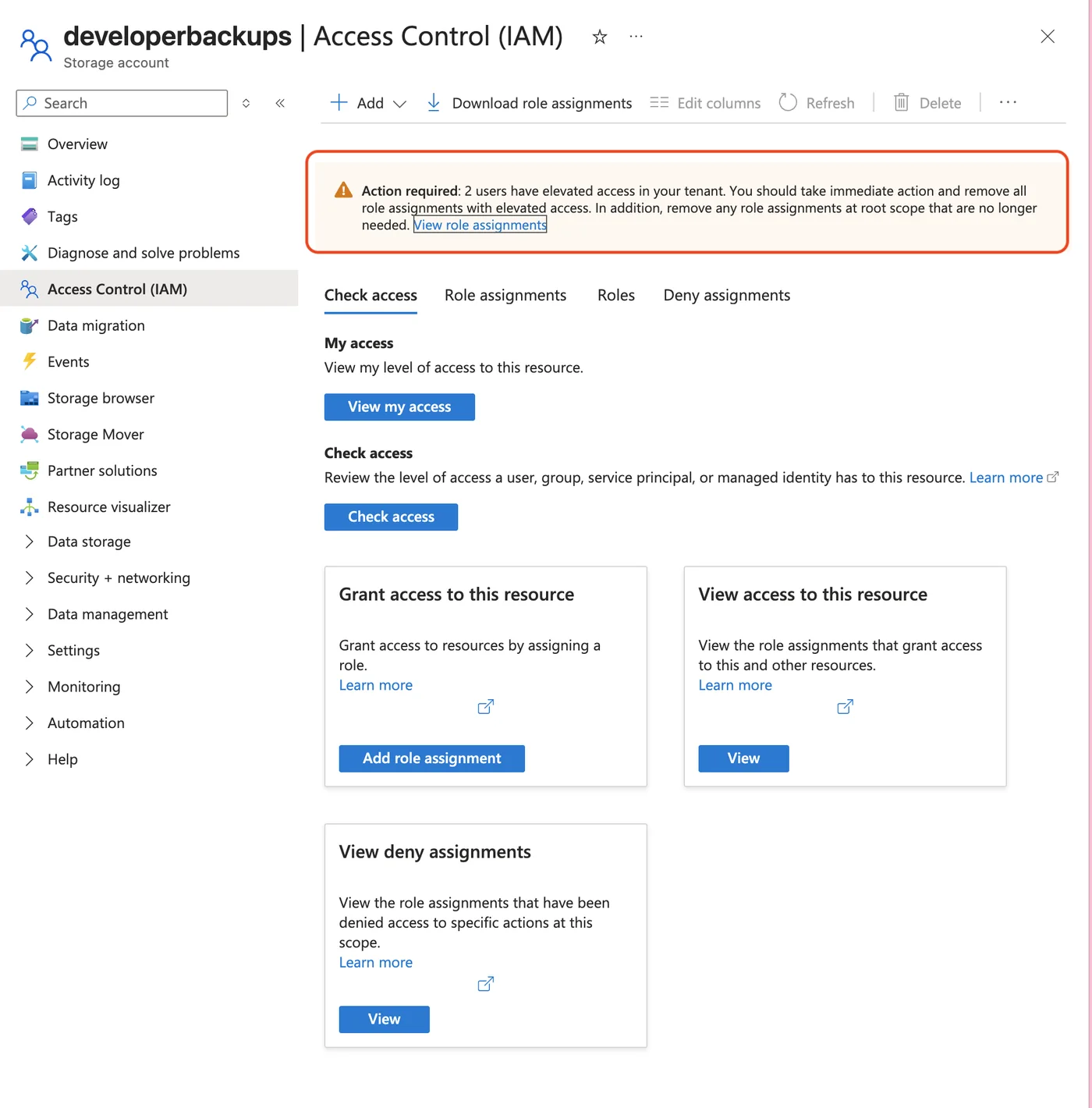
What Microsoft Sentinel and Defender XDR do
Defender XDR gathers alerts from Microsoft’s own protection, that is Defender for Endpoint, Defender for Office 365, Defender for Identity and Defender for Cloud Apps. Sentinel then adds everything else, for example firewalls, Linux servers, AWS, Google Cloud and business systems.
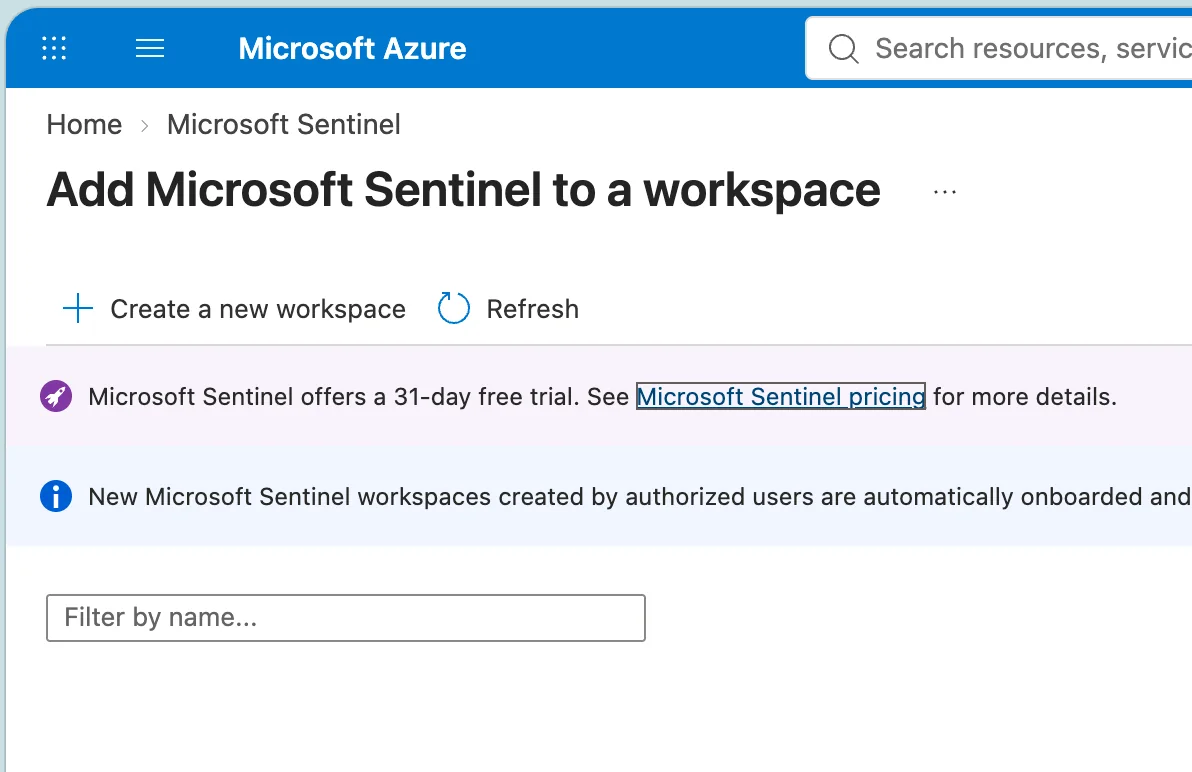
In addition, Microsoft is moving the whole of Sentinel to the Defender portal. Microsoft has extended the transition period, so that Sentinel in the Azure portal works until 31 March 2027. After that, Sentinel exists only in the Defender portal. Therefore, we build all new environments directly there.
How we build monitoring with Microsoft Sentinel
Choose the right logs
First, we decide which logs you need. All logs cost money to store, and too many logs make it harder to find what matters.
Therefore, we start with what gives the most value, for example sign-ins in Entra ID, alerts from Defender, firewall logs and changes in Azure, AWS and Google Cloud. We store rarely used logs more cheaply and for longer.
Detection rules
Next, we enable rules that look for suspicious patterns. For example, Sentinel raises an alert when the same account signs in from two countries within a few minutes, or when someone creates a new global administrator.
At the same time, we build our own rules for your environment. An alert about an unusual sign-in to a business system often matters more than an alert about a common malicious file that the protection has already stopped.
Automatic responses
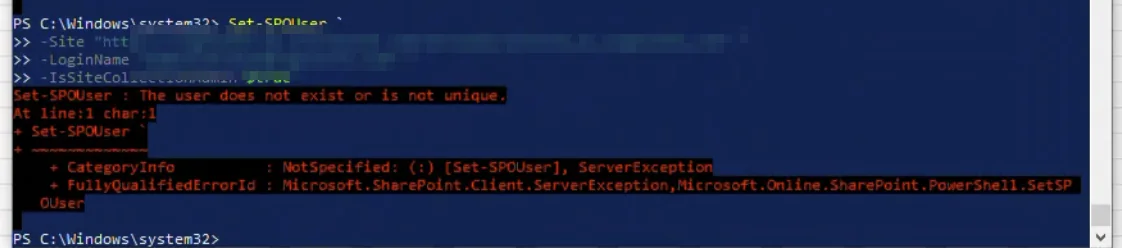
With automation, Sentinel can act at once. For example, a rule can lock an account, isolate a computer or send a message to the person on call.
However, we introduce the automation step by step. At first, it only sends messages. When we know that the rules hit the right target, it may also stop accounts and computers.
Alerts that someone actually handles
An alert that nobody reads is of no use. Therefore, we decide together with you who handles the alerts during the day, in the evenings and at weekends.
For groups without their own security centre, we connect the alerts to our on-call service or to an external SOC. At the same time, we document routines for the most common alerts, so that the person on call knows exactly what to do.
Cost control
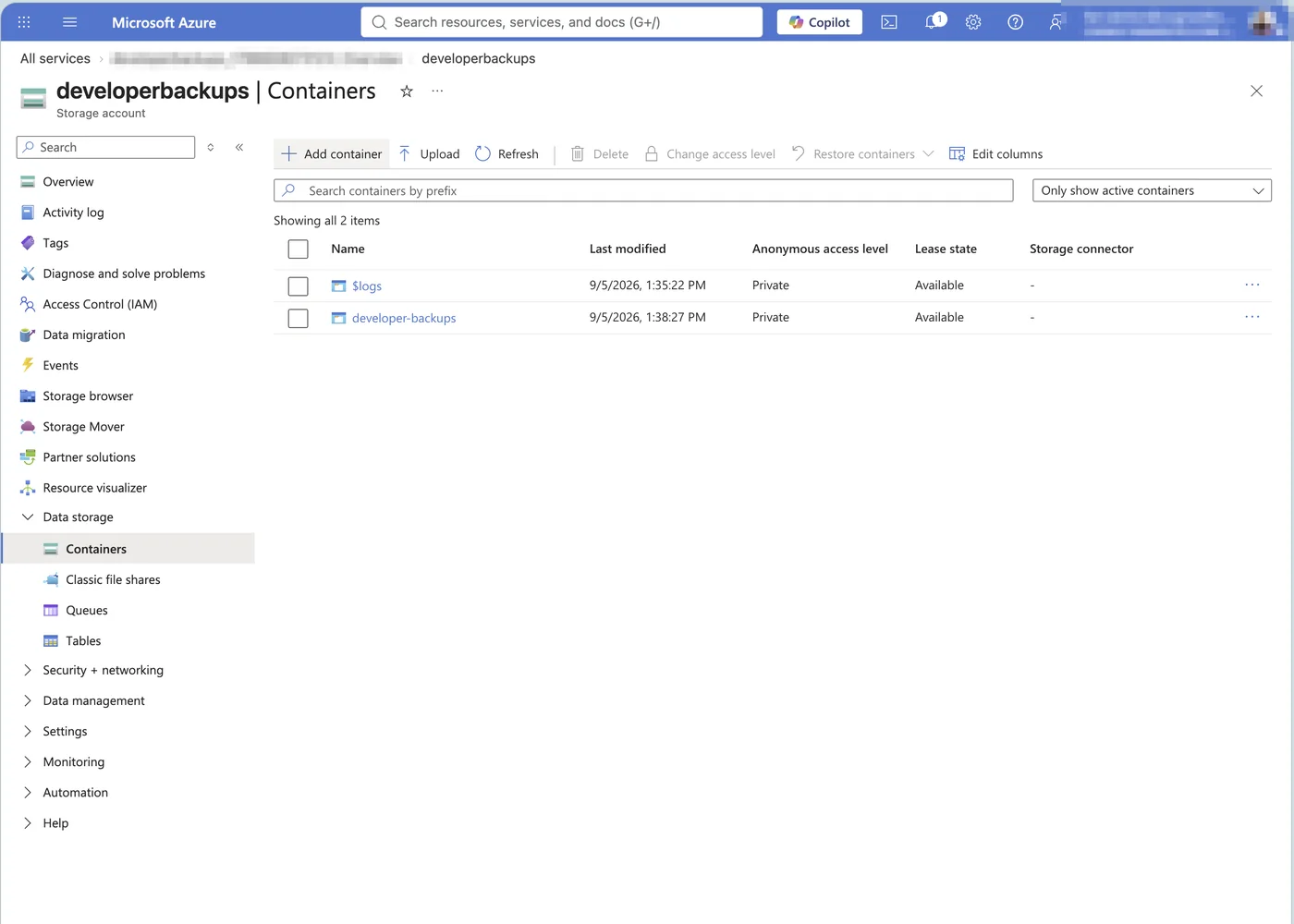
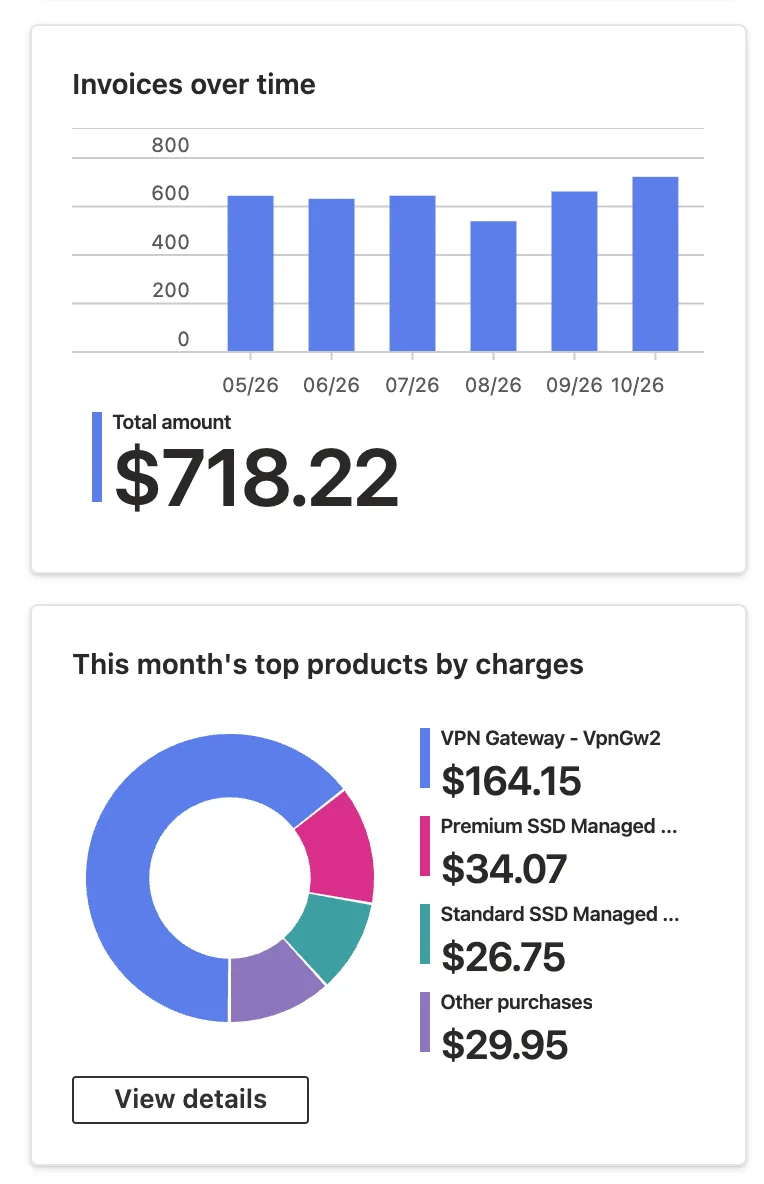
Sentinel charges for the volume of logs. Without governance, the cost can therefore grow quickly.
We set up budget alerts and filter out unnecessary fields as soon as the logs arrive. Furthermore, we move logs that you must keep for a long time, but rarely search, to cheaper storage.
Requirements from laws and supervision
The Swedish Cybersecurity Act requires many organisations to detect and report significant incidents. In other words, you need both logs and a routine for acting on them.
Sentinel provides the basis for the reports and keeps logs for as long as the law and your own routines require.
You can also read about Defender for Endpoint and about the Cybersecurity Act and NIS2.
Microsoft describes the service in its documentation on Microsoft Learn.
Why groups choose us for Microsoft Sentinel
We have built monitoring for groups with many clouds, firewalls and systems. As a result, we know which logs and rules give real value, and how you keep the cost down.
Our prices start at €400 per hour excluding VAT. In addition, we offer a fixed price for a complete introduction. Contact us via the form on our home page.
Frequently asked questions about Microsoft Sentinel
Features
- What is Microsoft Sentinel?
- What is Defender XDR?
- How do Sentinel and Defender XDR fit together?
- What is a SIEM?
- Why is Sentinel moving to the Defender portal?
- When does Sentinel stop working in the Azure portal?
- Which logs can Sentinel receive?
- Can Sentinel receive logs from AWS and Google Cloud?
- Does Sentinel work with firewalls from other manufacturers?
- Can Sentinel receive logs from Linux servers?
Rules and operations
- Which rules should we start with?
- How do you build your own rules?
- What are automatic responses?
- Can Sentinel lock an account automatically?
- Who handles the alerts at night?
- Do we need an external SOC?
- How do we avoid too many false alerts?
- How long do you keep the logs?
- Does Sentinel help us with the Cybersecurity Act?
- How do we report a significant incident?
Cost, price and cooperation
- What does Sentinel cost to use?
- How do we keep the cost of logs down?
- What is cheaper log storage?
- Do you work together with our IT department?
- Do you document the rules?
- How long does an introduction take?
- What does an introduction with your help cost?
- Do you offer a fixed price?
- Can you take care of the monitoring continuously?
- How do we get started?