
Whoever takes over an account with the Global Administrator role controls the whole Microsoft 365 environment. The attacker can then read all email, create new accounts and turn off logging. Therefore, we always start by securing administrator accounts when we review a group or a public authority.
In this article, we explain how we work in Microsoft Entra ID. We also explain why a few clear measures stop most takeover attempts.
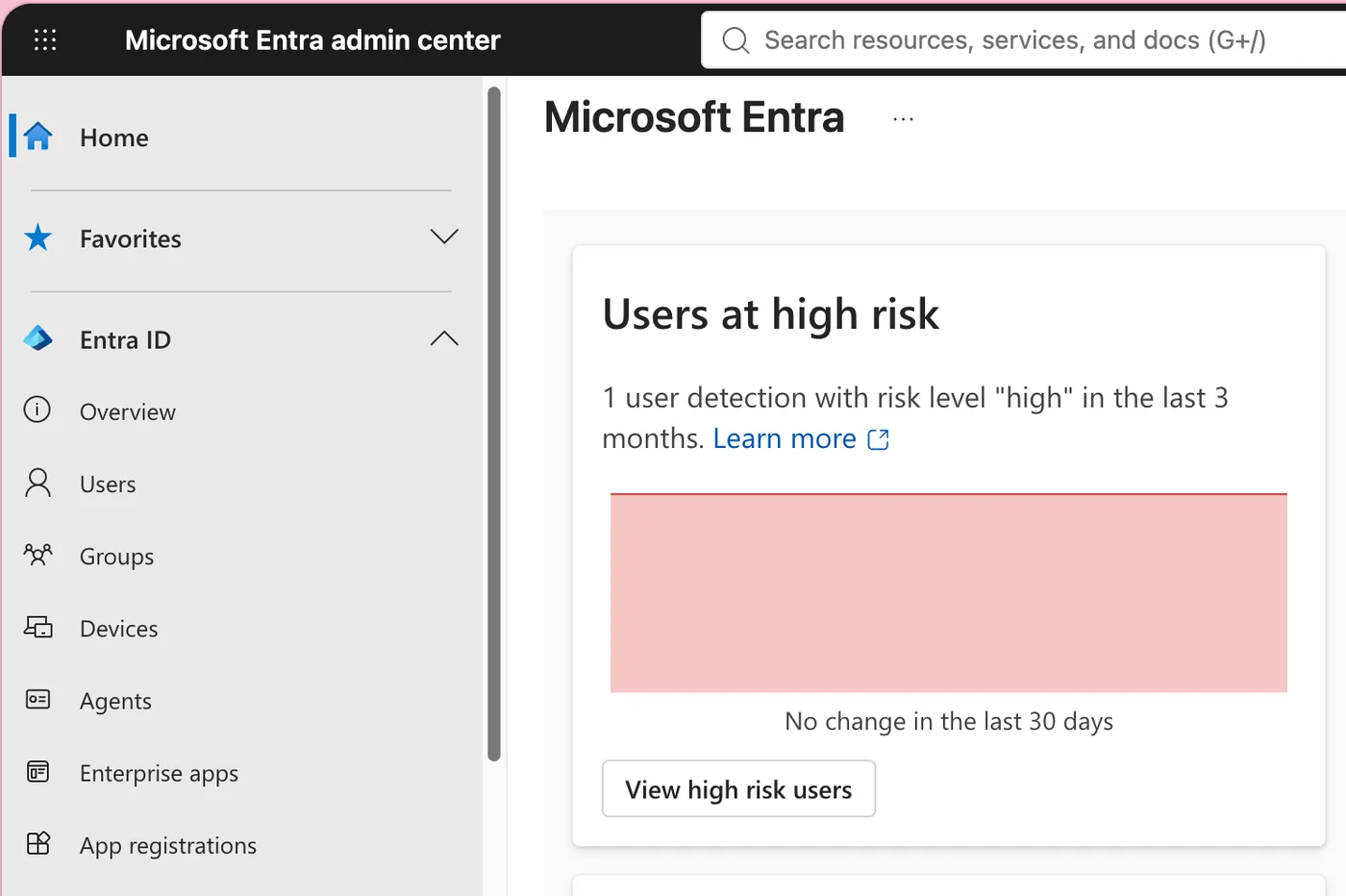
Why you need secure administrator accounts
Most intrusions start with an ordinary user account. An email tricks someone into signing in on a fake page, and the attacker gets both the password and the sign-in token.
After that, the attacker looks for accounts with higher privileges. Often, they find an administrator who uses the same account for email and administration. In other words, one successful phishing attempt against the wrong person is enough.
In addition, we often see too many global administrators. Microsoft recommends fewer than five. In larger groups, however, we sometimes find twenty or more, several of them belonging to consultants who left long ago.
How we secure administrator accounts
Separate accounts for administration
First, we separate daily work from administration. Each administrator gets a dedicated account for administration only. The account has no mailbox, no Office licence and no access to Teams.
Therefore, a successful phishing attempt against the ordinary inbox cannot give the attacker the administrator’s rights. At the same time, the logs become clearer, since every administrative action links to a specific account.
Privileges only when needed
Next, we introduce Privileged Identity Management, PIM, which is part of Entra ID P2. As a result, the administrator holds no role permanently. Instead, they activate the role when needed, for a limited time and with a justification.
For the most sensitive roles, we also require approval from a colleague. For example, activating the Global Administrator role may require approval from the security manager.
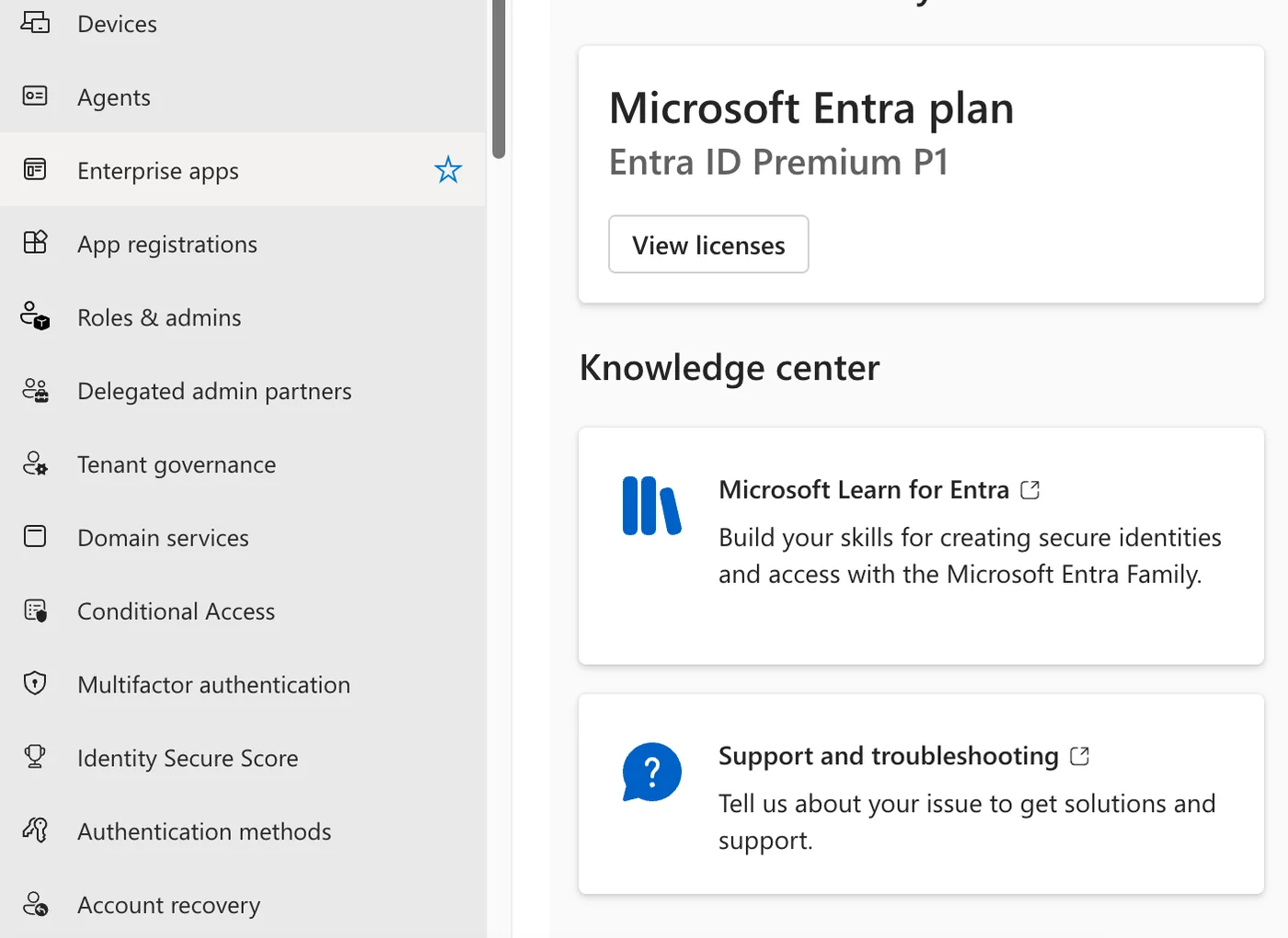
Phishing-resistant sign-in for secure administrator accounts
Ordinary MFA with SMS or approval in an app is no longer enough for administrators. In fact, attackers can capture the sign-in through a fake intermediary.
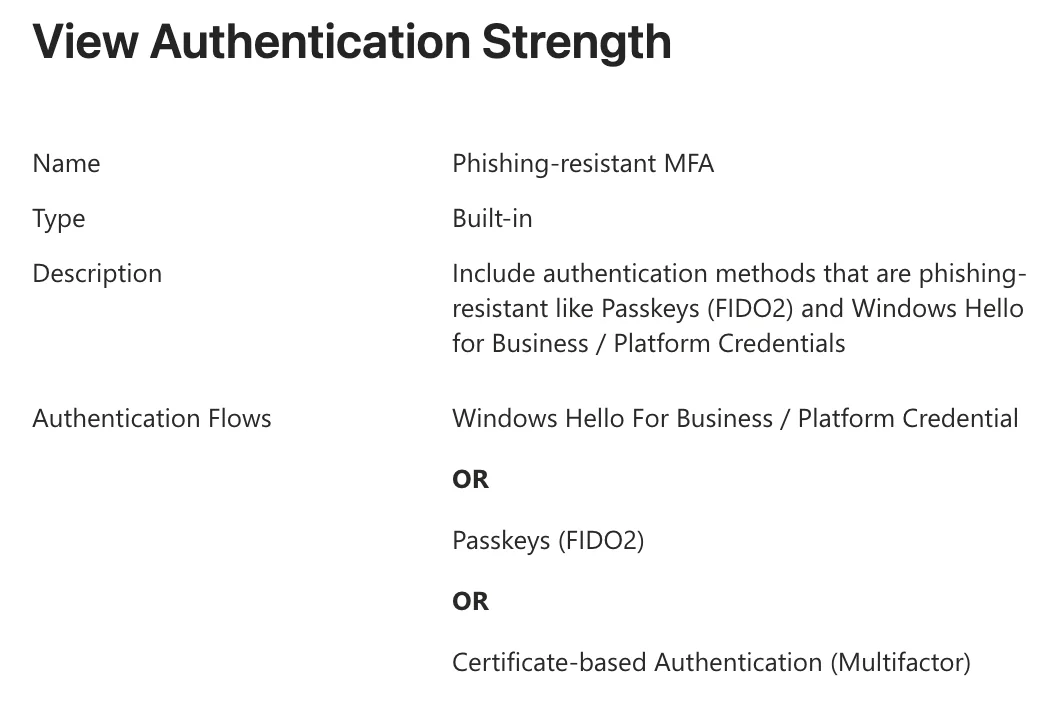
Therefore, we require phishing-resistant methods for all administrative roles, for example FIDO2 keys or Windows Hello for Business. Moreover, Microsoft requires MFA for the Azure portal and, since October 2025, also for Azure CLI, PowerShell and other tools that change resources.
Conditional access
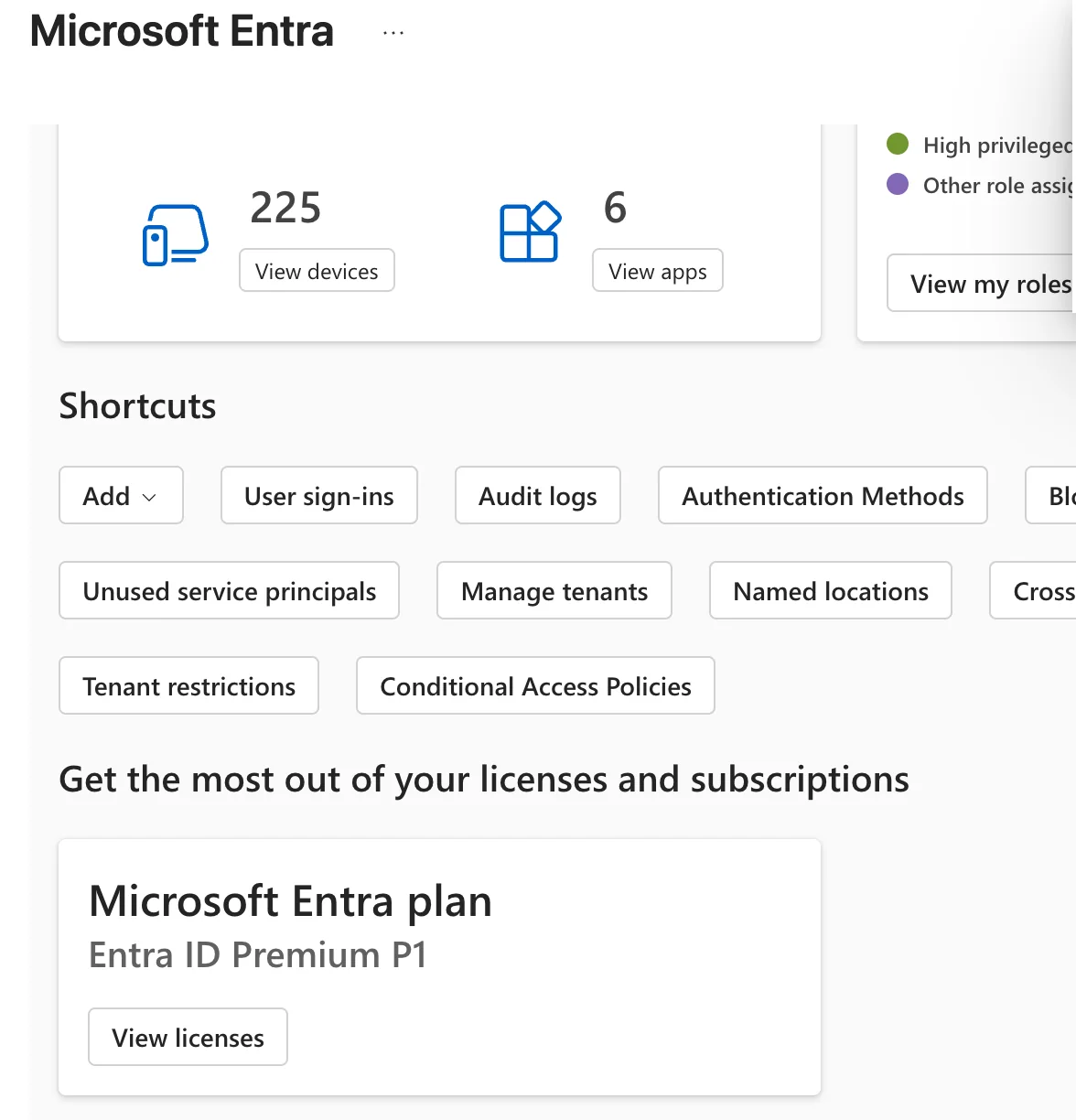
After that, we build conditional access policies. Administrators may only sign in from managed computers, and we block legacy protocols that do not support MFA.
We also require strong sign-in for the administrative portals. At the same time, we set short session lifetimes, so that a stolen token stops working quickly.
Emergency accounts that work when everything else stops
Every tenant needs at least two emergency accounts. You use them only if the normal sign-in stops working, for example during an outage at an MFA provider or after a faulty policy.
The emergency accounts get strong sign-in methods and exemptions from certain policies. For this reason, we monitor them especially closely. In fact, every sign-in with an emergency account should alert the responsible people at once.
In addition, we test the emergency accounts regularly. An emergency account that nobody has tried for two years is false security.
Alerts and follow-up for secure administrator accounts
A secure set-up also requires follow-up. We send the Entra logs to Microsoft Sentinel or another central log solution. After that, we build alerts for events that should raise suspicion:
- New assignment of the Global Administrator role
- Sign-in with an emergency account
- New apps with broad permissions in Graph
- Changed conditional access policies
- Sign-in from a country where you have no operations
At the same time, we review permissions at least once a quarter with access reviews in Entra. As a result, anyone who no longer needs a role loses it automatically.
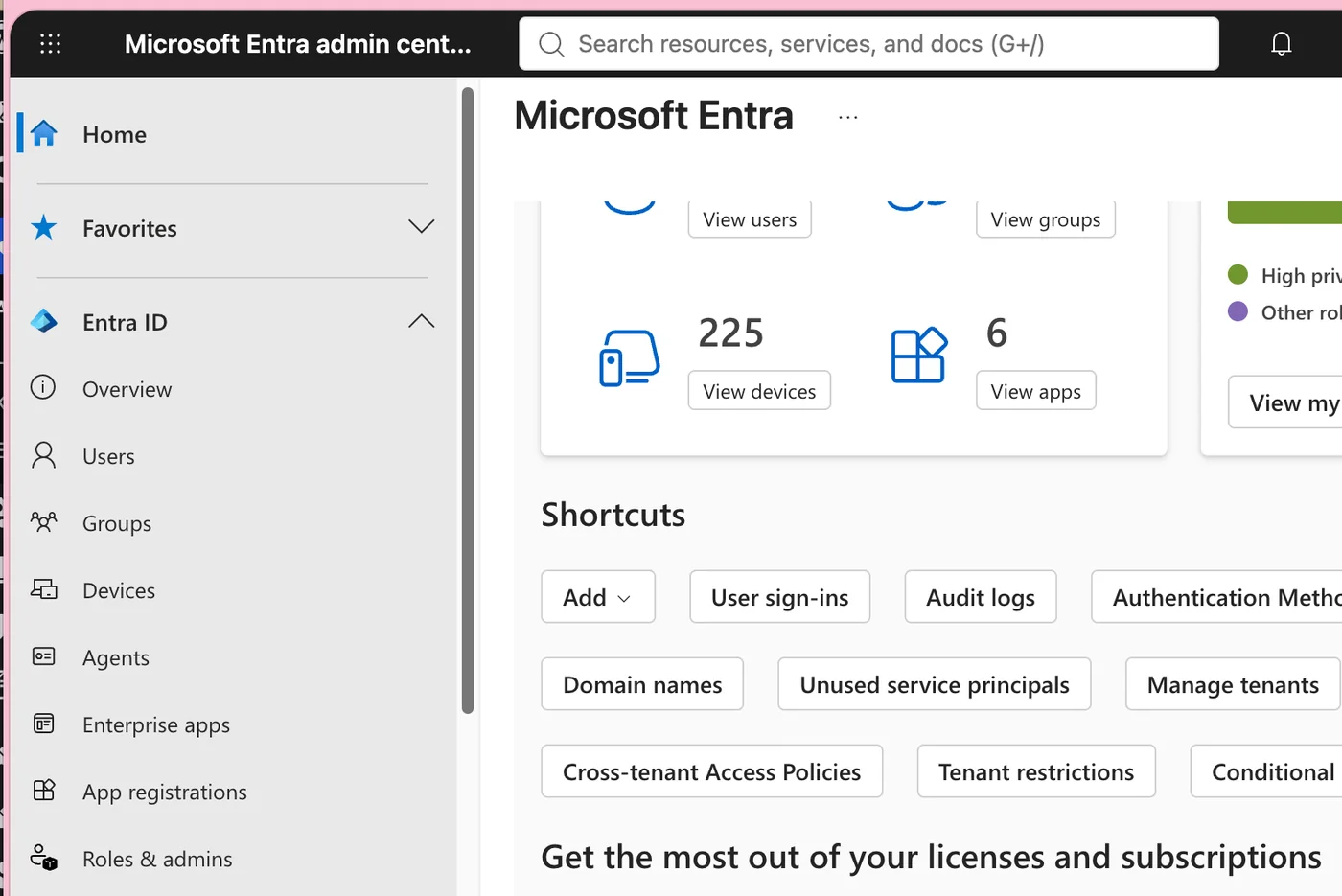
Apps and service accounts are often forgotten
Attackers like to use app registrations and service accounts. In fact, an app with permission to read all email in Graph is as dangerous as a global administrator.
Therefore, we inventory all apps and their permissions. We remove apps that nobody uses. For the remaining apps, we replace secrets with certificates or managed identities where possible.
Read also how we handle incident response after a data breach when someone has already taken over an account, and how we build ransomware protection.
Microsoft describes its recommendations for protecting privileged access on Microsoft Learn.
Why groups hire us to secure administrator accounts
We have worked with security in Microsoft environments at groups, public authorities and law firms for many years. Therefore, we know where attackers usually find their way in, and we close it without stopping daily work.
Our prices start at €400 per hour excluding VAT. In addition, we offer a fixed price for a review of all administrator accounts with an action plan. Contact us via the form on our home page.
Frequently asked questions about secure administrator accounts
Accounts and roles
- How many global administrators should we have?
- Why should administrators have separate accounts?
- Does the administrator account need a mailbox?
- What is Privileged Identity Management?
- Which licence does PIM require?
- How long should an activated role last?
- Can a role require approval before activation?
- Which roles count as privileged?
- How do you handle consultants’ administrator accounts?
- What do we do with former administrators who have left?
Sign-in and protection
- What is phishing-resistant MFA?
- Is SMS enough as a second factor for administrators?
- What is a FIDO2 key?
- How does Windows Hello for Business work?
- What does Microsoft’s MFA requirement for Azure mean?
- How does conditional access stop a stolen token?
- Should administrators only sign in from certain computers?
- What is an emergency account?
- How many emergency accounts does a tenant need?
- How often should we test the emergency accounts?
Follow-up, price and cooperation
- Which events should trigger an alert at once?
- Do we need Microsoft Sentinel?
- What is an access review in Entra?
- How dangerous are apps with broad permissions?
- How do you find forgotten app registrations?
- Can you review our tenant without disturbing users?
- Do you work together with our IT department?
- What does a review of administrator accounts cost?
- Do you offer a fixed price?
- How do we get started?