
Fraudsters like to send emails that appear to come from a bank, an operator or a supplier. They often succeed because the sender’s domain lacks protection. With DMARC, DKIM and SPF, however, you decide which servers may send email in your name.
At the same time, your real email becomes more trustworthy for recipients. In fact, Google, Yahoo and Microsoft now require these technologies from senders who send large volumes of email.
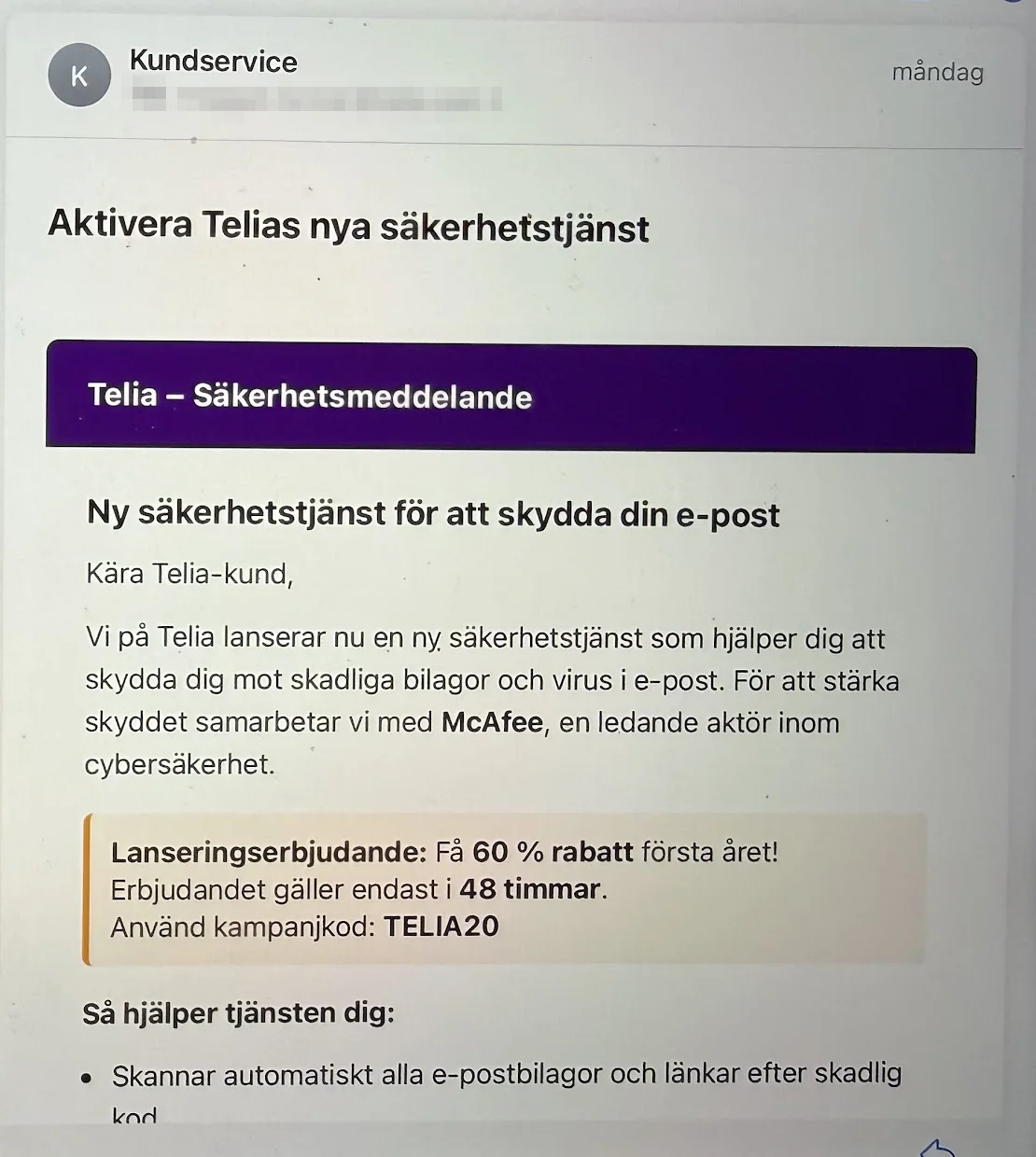
A real example from our work
The image above comes from an assignment at a client who received several fraud attempts. The emails pretended to come from a well-known operator and promised a new security service at a discount. In addition, they pressured the recipient with an offer that only lasted 48 hours.
Such emails work because they look genuine. Therefore, both sender and recipient need technical protection. The sender protects its domain with DMARC, DKIM and SPF. In turn, the recipient checks these records and filters out emails that do not match.
What DMARC, DKIM and SPF do
SPF states which servers may send
SPF is a DNS record that lists the servers allowed to send email for your domain. For example, the record can allow Microsoft 365, a newsletter tool and your business system.
A common weakness, however, is that the list grows too long. In fact, SPF allows at most ten DNS lookups. Once you pass the limit, the check stops working, and the recipient can no longer trust the result.
DKIM signs every email
DKIM adds a digital signature to every email. The recipient then fetches the public key from your DNS and checks that nobody has changed the content on the way.
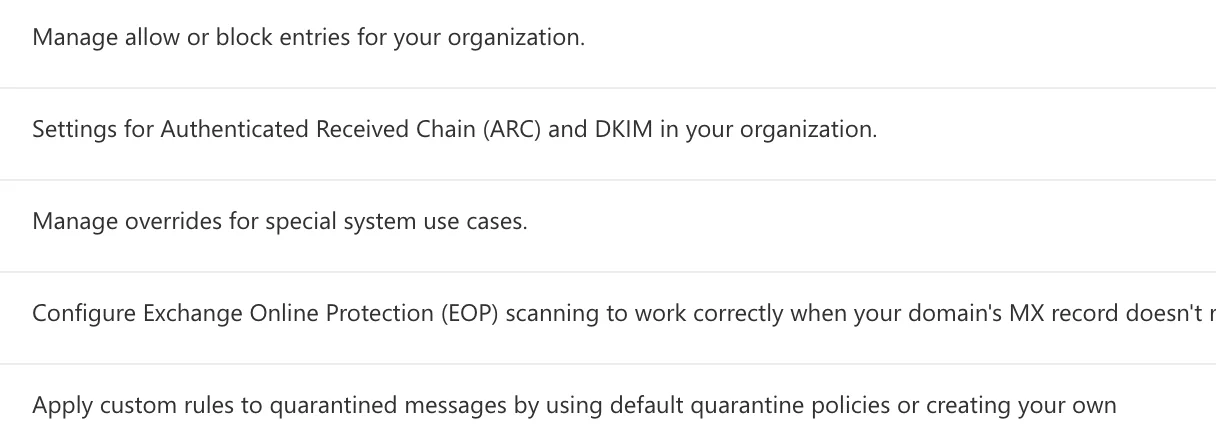
In Microsoft 365, we turn on DKIM for each domain in Microsoft Defender. After that, we rotate the keys regularly.
DMARC ties it all together
DMARC tells the recipient what to do when SPF or DKIM does not match the sender address. The policy has three levels:
- none – the recipient only sends reports
- quarantine – suspicious emails go to the junk folder
- reject – the recipient rejects suspicious emails completely
In addition, recipients send reports to an address you choose. The reports therefore show every server that sends email in your name, including those you did not know about.
How we introduce DMARC, DKIM and SPF step by step
Inventory
First, we identify every service that sends email for your domains. In a group, we often find services that nobody has documented, for example an old alarm system or a payroll system at a supplier.
Reports without stopping anything
Next, we publish a DMARC policy with the level none. For a few weeks, we collect reports and fix every service that fails the check.
Stricter policy
When the reports show that all real email passes the check, we raise the level to quarantine. Finally, we move to reject. Only then can fraudsters no longer send emails that appear to come from your domain.
DMARC, DKIM and SPF for domains without email
Many groups own hundreds of domains. However, most of them send no email at all. Nevertheless, fraudsters can still use them.
Therefore, we protect these domains too. An SPF record that allows no server and a DMARC policy with the level reject are enough. In other words, it takes a few minutes per domain and closes a common route for fraud.
Protection for incoming email
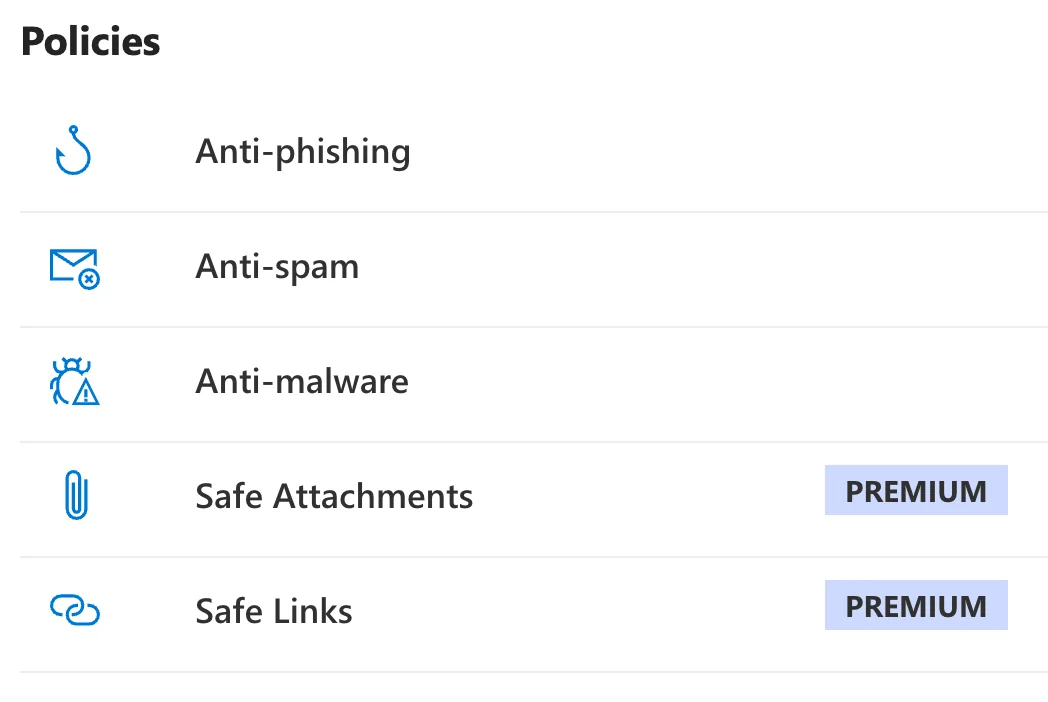
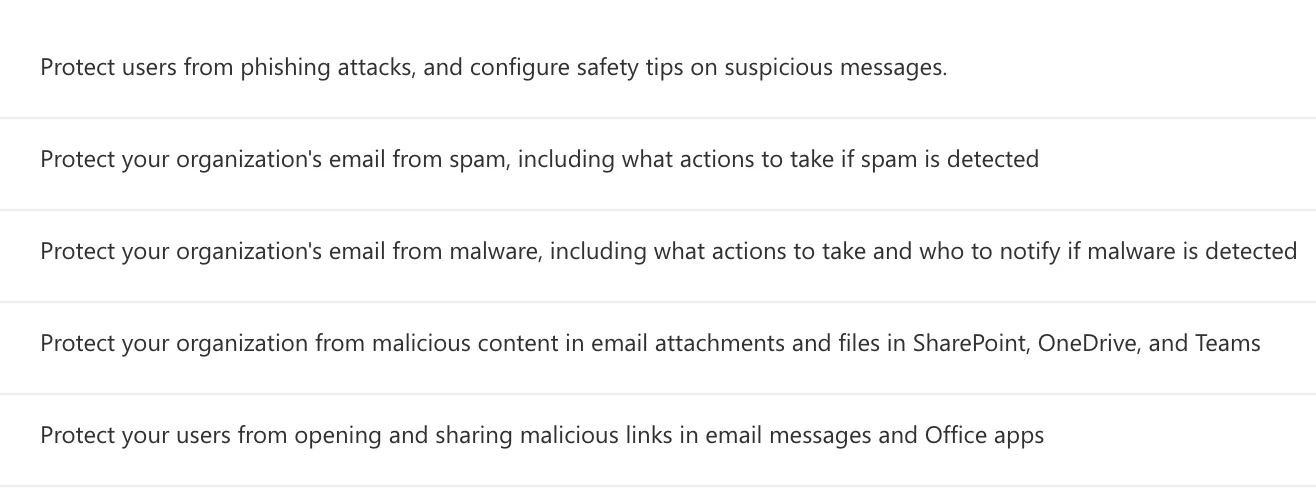
DMARC, DKIM and SPF protect your name outwards. At the same time, you need protection for incoming email. In Microsoft Defender for Office 365, we configure policies against phishing, spam and malware.
We also turn on Safe Links and Safe Attachments. They check links when the user clicks and open attachments in an isolated environment before delivery.
Moreover, we protect users who are frequent targets, for example management and the finance department. Defender can warn when someone tries to impersonate one of them.
Read also about ransomware protection, which often starts with an email, and about how we secure administrator accounts.
The Swedish national CSIRT, CERT-SE, also publishes advice on protection against phishing and fraud.
Why groups choose us for DMARC, DKIM and SPF
We have introduced DMARC, DKIM and SPF for groups with many domains and suppliers. Therefore, we know where real email usually gets stuck and how to avoid it.
Our prices start at €400 per hour excluding VAT. In addition, we offer a fixed price for the whole introduction, from inventory to the reject policy. Contact us via the form on our home page.
Frequently asked questions about DMARC, DKIM and SPF
The technology behind DMARC, DKIM and SPF
- What is DMARC?
- What is DKIM?
- What is SPF?
- How do DMARC, DKIM and SPF fit together?
- Why is SPF alone not enough?
- What does the ten-lookup limit in SPF mean?
- How often should we rotate DKIM keys?
- What is ARC?
- What does a DMARC report contain?
- Who can read our DMARC reports?
The introduction
- How long does it take to reach the reject policy?
- Can the protection stop real email by mistake?
- How do you find every service that sends email?
- What do we do with suppliers who send in our name?
- Do domains without email also need protection?
- How does DMARC work with newsletter tools?
- Does DMARC affect forwarded email?
- What do Google and Microsoft require from senders?
- How do we protect ourselves against emails pretending to come from the CEO?
- What do Safe Links and Safe Attachments do?
Price and cooperation
- Do we need Defender for Office 365?
- Can you help us with many domains at once?
- Do you work with our DNS provider?
- Can you handle the DMARC reports on an ongoing basis?
- Do you also help public authorities and law firms?
- Do you work remotely?
- What does an introduction of DMARC, DKIM and SPF cost?
- Do you offer a fixed price?
- What do we do if someone has already sent fake emails in our name?
- How do we get started?