
A traditional antivirus program looks for known malicious files. Modern attackers, however, often use tools that already exist in Windows, for example PowerShell, and then an ordinary antivirus finds nothing. Microsoft Defender for Endpoint instead monitors what happens on every computer and server and raises the alarm when something behaves like an attack.
In this article, we explain how we introduce the service in groups and public authorities, and which settings make the biggest difference.
What Defender for Endpoint does
Defender for Endpoint consists of several parts that work together.
- Real-time antivirus that stops known threats
- EDR that records processes, network traffic and changes on every device
- Attack surface reduction rules, so-called ASR rules
- Automated investigation that removes the threat without anyone having to step in
- Isolation that disconnects an infected computer from the network with one click
In addition, the security team sees all devices in a shared portal. In other words, you can see within seconds whether the same file or the same behaviour exists on more computers.
Licences for Defender for Endpoint
The service comes in two plans. Plan 1 contains antivirus and ASR rules. Plan 2 also contains EDR, automated investigation and advanced hunting among events.
Microsoft 365 E5 includes Plan 2. For smaller organisations, there is Defender for Business, which is part of Microsoft 365 Business Premium. Therefore, we first review which licences you already have, so that you do not buy anything twice.
How we introduce Defender for Endpoint
Inventory and onboarding
First, we map all devices, including servers in Azure, AWS and your own data centres. After that, we onboard them via Intune, group policies or Azure Arc.
At the same time, we remove old antivirus programs that would otherwise clash with Defender. We do this step by step, so that no computer is left unprotected during the switch.
Tamper protection
Attackers often try to turn off the protection before they spread. Therefore, we enable tamper protection. Then not even a local administrator can turn off Defender on the computer.
ASR rules
Next, we introduce rules that stop common attack methods. For example, the rules prevent Office programs from starting other programs, and they block theft of credentials from Windows.
We always start in audit mode. For a few weeks, we see which programs the rules would have stopped and make exceptions where needed. Only after that do we switch to blocking.
EDR in block mode
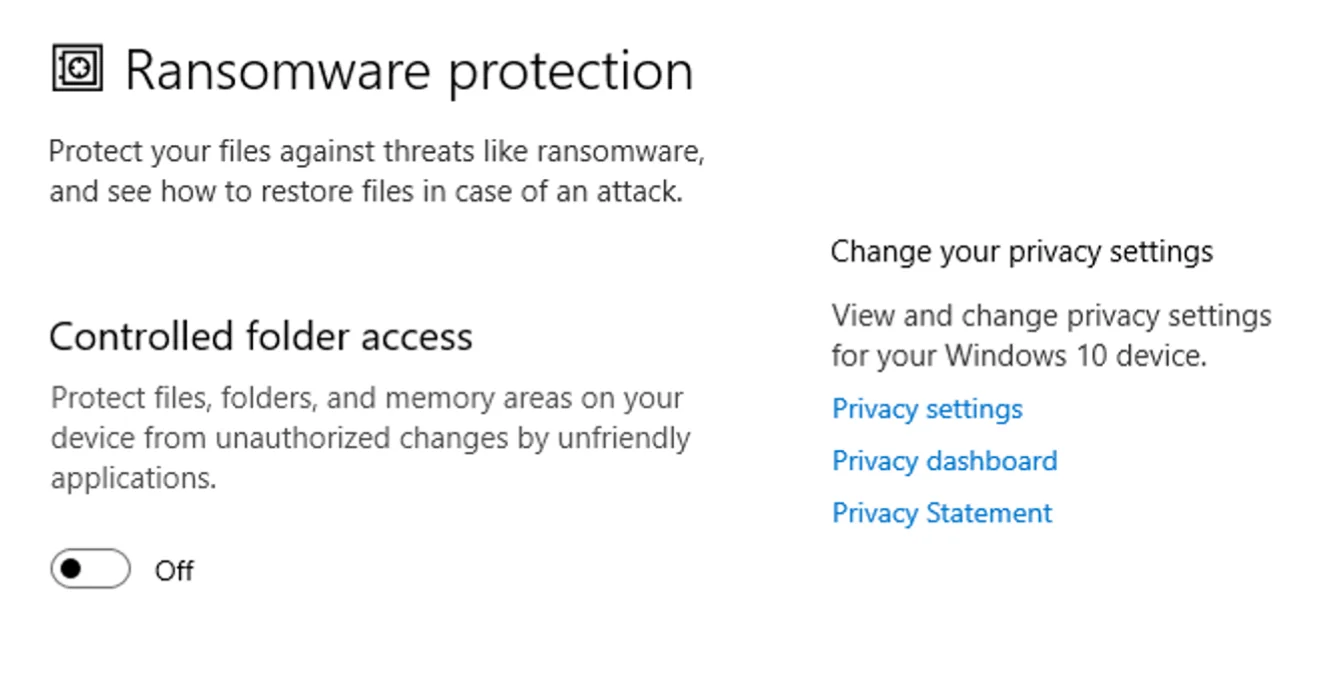
Even in environments where another antivirus still runs, Defender can stop what EDR detects. Therefore, we enable EDR in block mode during the transition.
When Defender for Endpoint raises the alarm
When Defender detects an attack, it gathers all events in one incident. The security team then sees which computers, accounts and files are involved.
After that, the team can isolate the computer, stop the process and collect evidence. At the same time, the automated investigation keeps looking for the same threat on other devices.
For groups that lack their own security team, we connect the alerts to our on-call service or to an external SOC. In other words, an alert in the middle of the night does not wait until the next morning.
Vulnerabilities and secure score
Defender also shows which programs lack updates and which settings are weak. Therefore, we use the list to prioritise the update work.
Furthermore, we follow the secure score for the devices over time. It shows management that the protection is actually improving.
You can also read about ransomware protection and about incident response to data breaches.
Microsoft describes the service in its documentation on Microsoft Learn.
Why groups choose us for Defender for Endpoint
We have introduced the service in environments with thousands of computers and servers. As a result, we know which rules stop attacks without stopping the business.
Our prices start at €400 per hour excluding VAT. In addition, we offer a fixed price for a complete introduction. Contact us via the form on our home page.
Frequently asked questions about Defender for Endpoint
Features
- What is Defender for Endpoint?
- How does it differ from an ordinary antivirus program?
- What is EDR?
- What are ASR rules?
- What does tamper protection do?
- How does isolating a computer work?
- What is automated investigation?
- Does Defender also protect servers?
- Does Defender work on Mac and Linux?
- Does Defender also protect phones?
Licences and introduction
- What is the difference between Plan 1 and Plan 2?
- Is Defender for Endpoint part of Microsoft 365 E5?
- What is Defender for Business?
- Can we keep our current antivirus?
- How do you onboard servers in AWS and our own data centres?
- What is EDR in block mode?
- Why do you start with audit mode?
- Can the ASR rules stop our own programs?
- How long does an introduction take?
- Does Defender affect computer performance?
Operations, price and cooperation
- Who handles the alerts at night?
- Can you connect Defender to Sentinel?
- How do you prioritise vulnerabilities?
- What does the secure score show?
- Do you work together with our IT department?
- Do you document the settings?
- What does an introduction cost?
- Do you offer a fixed price?
- Can you take care of operations continuously?
- How do we get started?