
After an acquisition, a reorganisation or a new brand, many groups, companies and law firms want to rename a SharePoint site or several. It looks like a simple change in a text field, but in practice it rarely is.
In fact, a site in Microsoft 365 has several identities that live separately. The display name, the web address, the Microsoft 365 group, the team in Teams and the group email address do not follow each other automatically.
Therefore, the result is often a site with one name in SharePoint, another in Teams and a third in Outlook. In addition, the old address remains in shared links, synchronised folders and agreements with external parties.
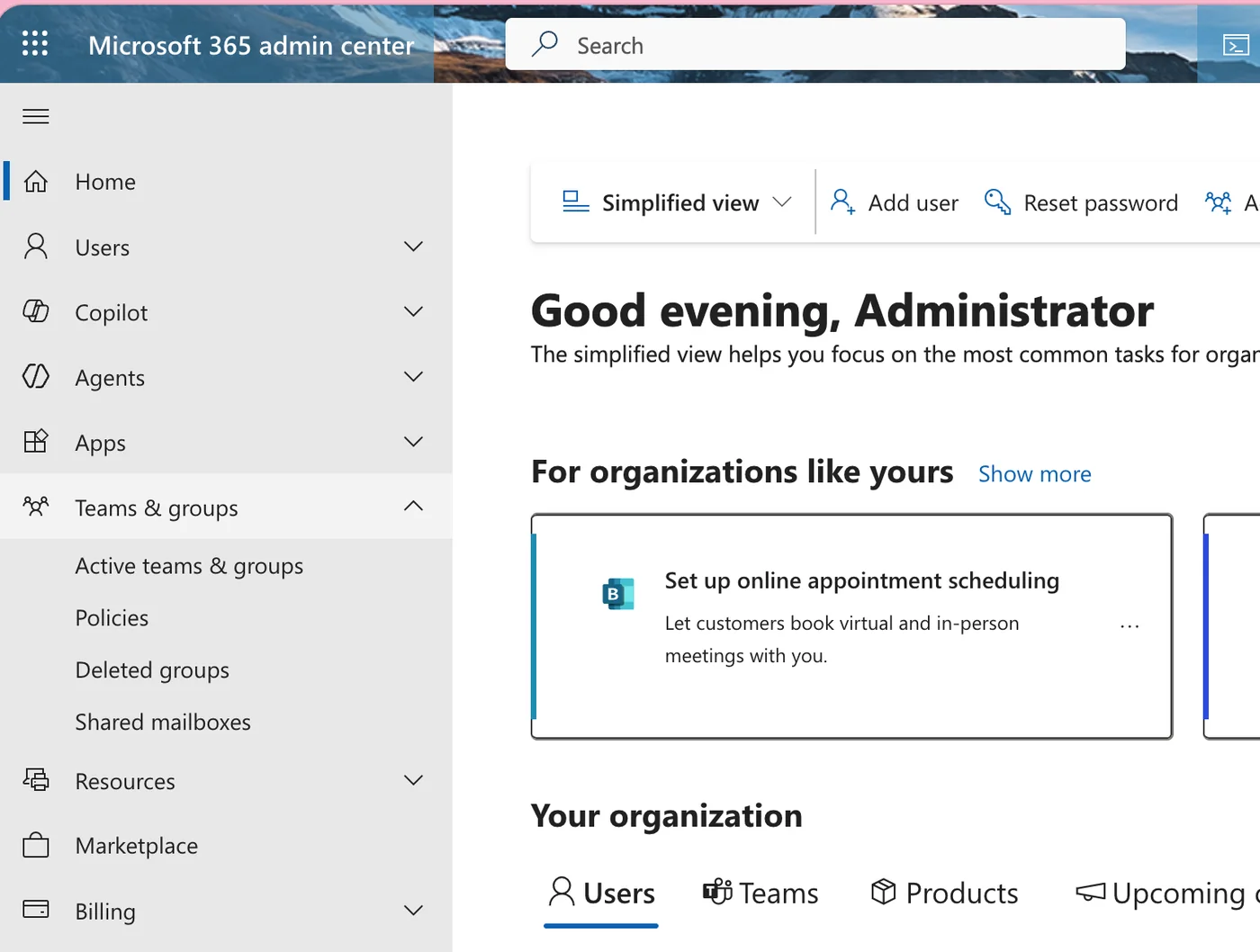
Five things with a name when you rename a SharePoint site
First, you need to know what actually changes name. A group-connected team site consists of at least five parts:
- The site display name, that is, the title users see in SharePoint.
- The site address, for example /sites/project-north in the web address.
- The Microsoft 365 group in Entra ID with its own display name and alias.
- The team in Microsoft Teams, which shares its name with the group.
- The group’s primary email address and its aliases in Exchange Online.
If you only change the display name, the old address remains. At the same time, the group email keeps showing the old name to both employees and guests.
What happens to the web address and shared links?
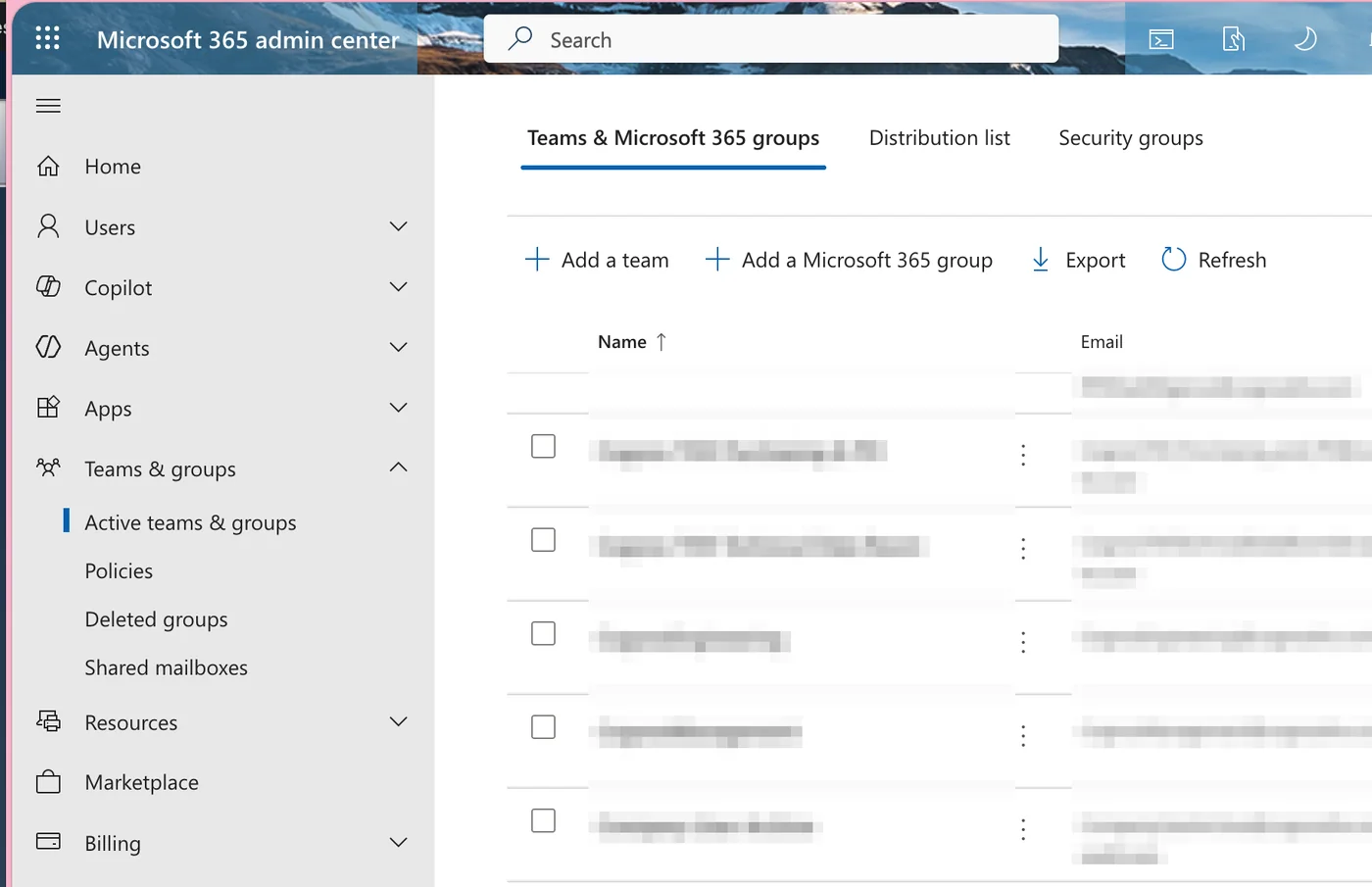
A SharePoint administrator can change the site address in the admin centre or with the PowerShell command Start-SPOSiteRename. According to Microsoft’s documentation on changing a site address, the site becomes read-only for about ten minutes, and longer for large sites.
After that, SharePoint creates a redirect from the old address. As a result, shared links and favourites work in most cases.
However, the redirect is in practice a site of its own. As long as it exists, no other site can use the old address, and if someone deletes it, all old links stop working.
Moreover, SharePoint does not update addresses embedded in web parts, news images, custom solutions, Power Apps forms or workflows. You also need to reconnect sites in a hub after the change.
Teams, OneDrive and synchronised libraries
In Teams, users can see their files after the change. However, uploads in the channels only work once someone has opened the Files tab in a channel on the site.
According to Microsoft, the OneDrive app should detect the new address and move the synchronisation automatically. In reality, large organisations have older clients, shortcuts in My files and files that someone edits during the change.
Therefore, we check client versions in advance and ask users to close their files. Afterwards, we follow up synchronisation errors before they turn into support tickets.
The group email address does not change name
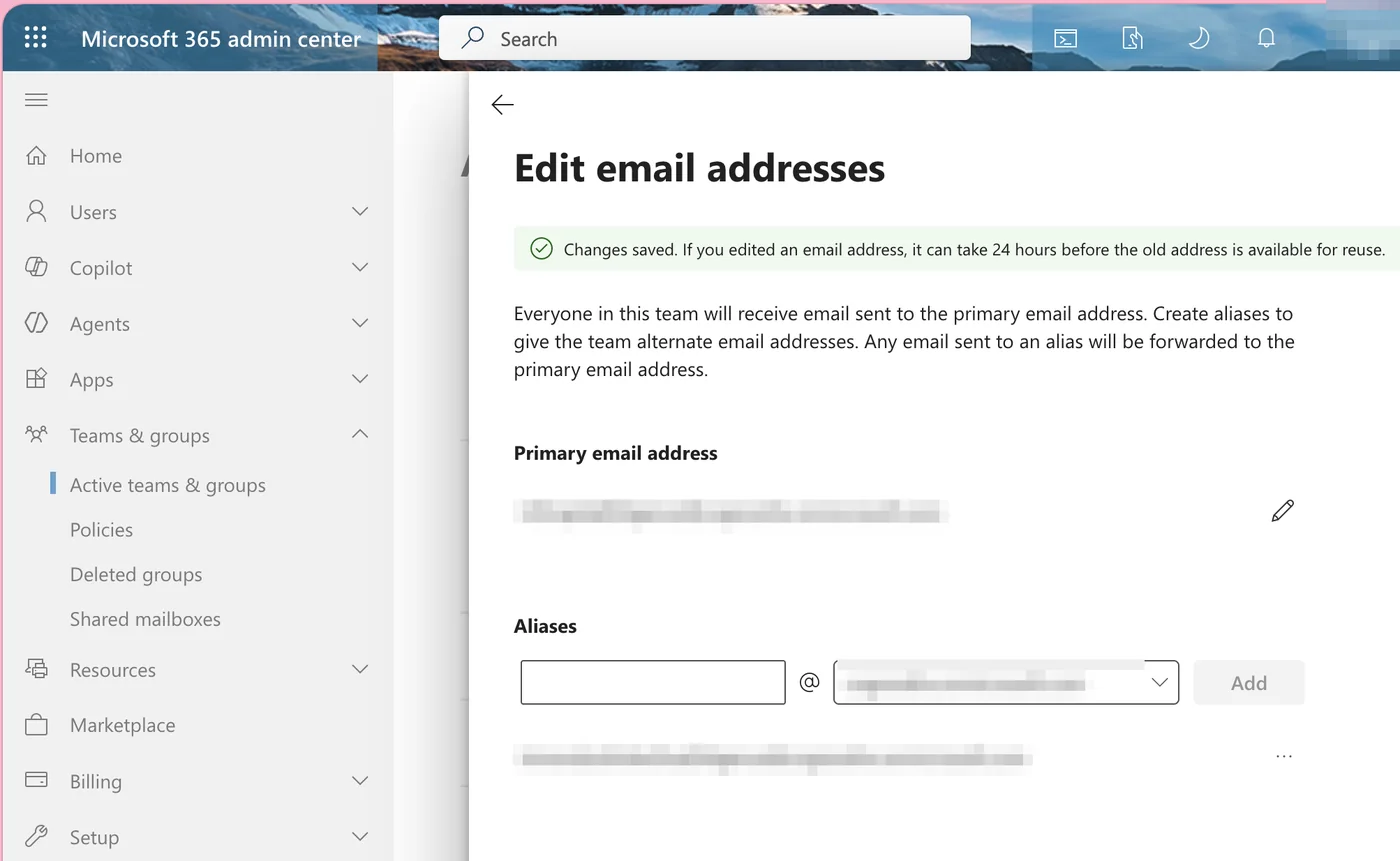
This is where most people slip. When you change the site address, the group keeps its old email address, and the group only gets a new name if you change the site name in the same step.
Consequently, someone must change the email address separately in the admin centre or in Exchange Online. When we change the primary address, we keep the old one as an alias, so that email from customers, counterparties and systems still arrives.
Microsoft also warns that an old address can take up to 24 hours before you can reuse it. In other words, the order of the steps must follow a plan.
Guests and traceability in data rooms
Law firms and groups often use group-connected sites as data rooms for acquisitions, due diligence and disputes. These contain external guests from banks, auditors and counterparties.
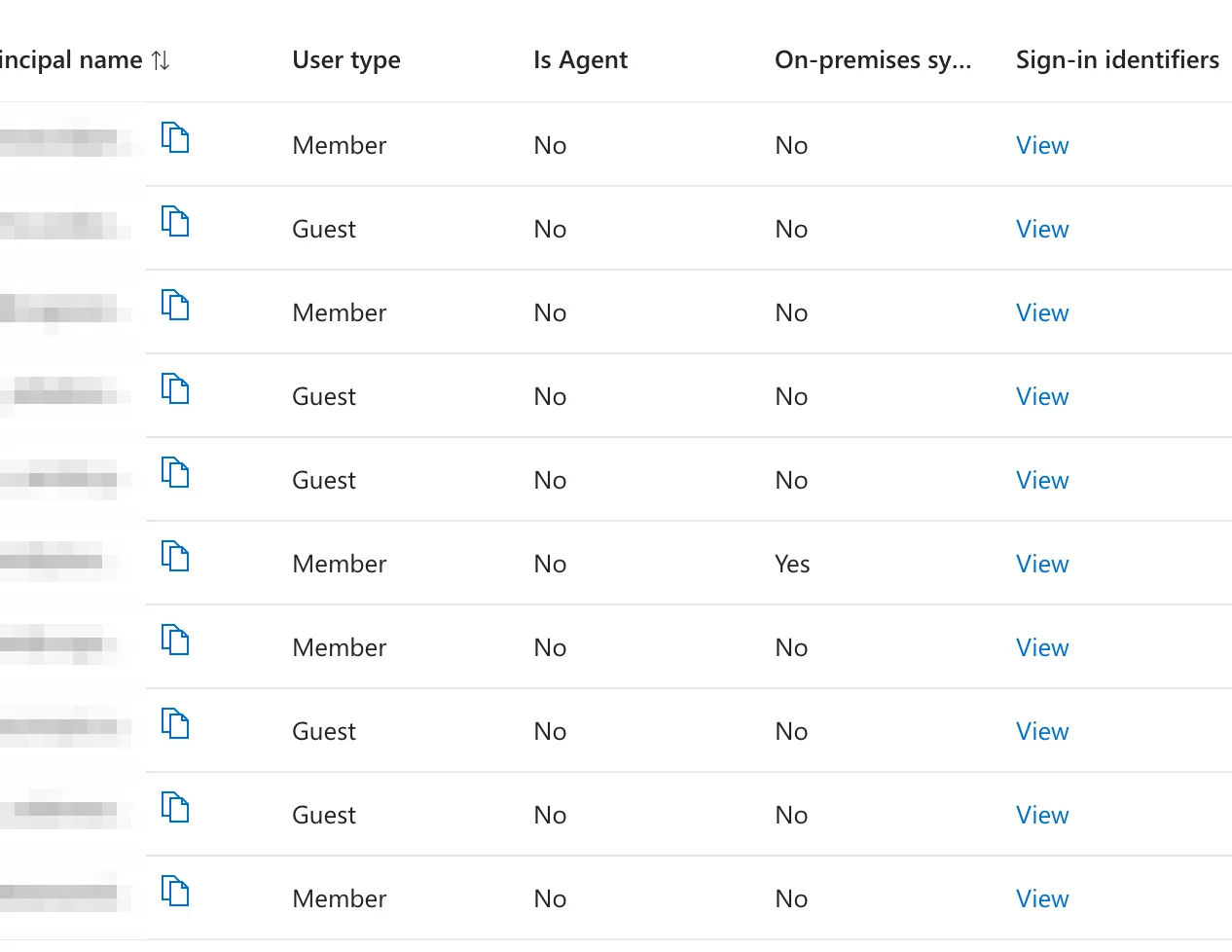
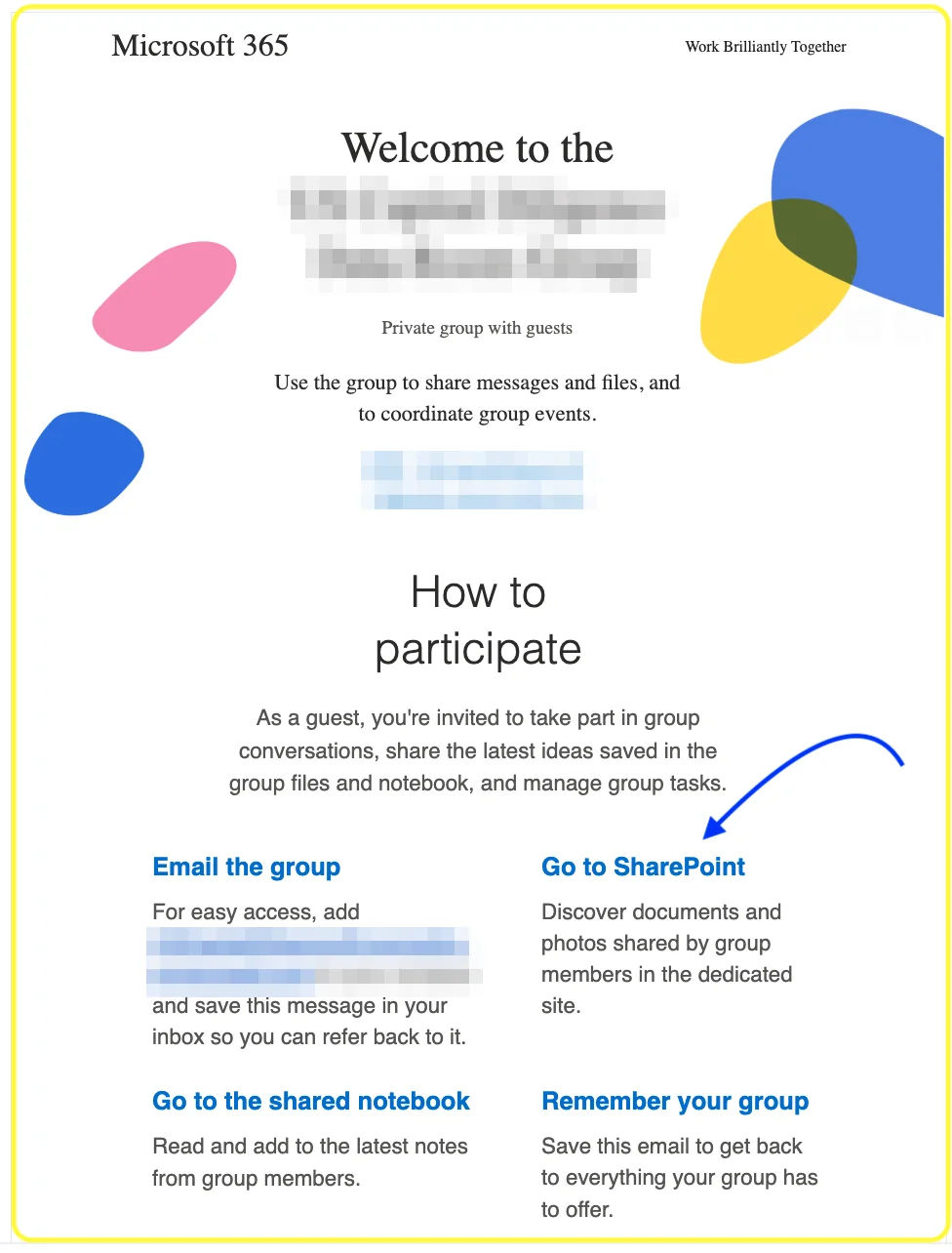
The guests have received a welcome email with the group’s old name, address and link to SharePoint. Therefore, they should receive clear information about the new name, so that nobody mistakes the email for a phishing attempt.
At the same time, traceability must not get lost. Permissions, sharing and audit logs should link to the same site before and after the change, especially when retention policies or a legal hold cover the site.
Why you should contact IT-support Stockholm
We know exactly how to carry out a rename the right way. First, we inventory the site, the group, the team, the guests, the embedded links and the policies that apply to the content.
Then we test the change with a validation run in PowerShell and schedule it at a time with low load. After that, we change the address, name and email in the right order, reconnect hubs and web parts and check Teams and OneDrive.
Finally, we deliver a short report of what we changed, which redirects remain and how you handle old addresses. When several sites need new names after an acquisition, we run it as one combined project, often together with a tenant migration after an acquisition or merger.
Frequently asked questions about how to rename a SharePoint site
Web address and name when you rename a SharePoint site
- Is there a difference between changing the site name and the site address?
- Can we change the address from /sites to /teams?
- How long is the site read-only during the change?
- Do old links work after the change?
- Can we reuse the old address later?
- Can we rename a hub site?
- Can we rename several sites at the same time?
- Do web parts and news images update automatically?
- What happens to search in SharePoint?
- Can we undo the change if something goes wrong?
Teams, OneDrive and email when you rename a SharePoint site
- Does the team in Teams change name automatically?
- Does the group email address follow the rename?
- Does email to the old address arrive after the change?
- Must users resync their libraries in OneDrive?
- What happens to files that are open during the change?
- Do the shortcuts in My files work afterwards?
- Do OneNote notebooks work after the change?
- Does the change affect Microsoft Forms and Power Apps?
- Do we need to republish workflows?
- Do plans in Planner also change name?
Security and projects when you rename a SharePoint site
- Do the permissions change when the site changes name?
- How do we inform external guests about the change?
- Can a site under legal hold change address?
- Do we keep the audit logs after the change?
- Which role do we need to change the address?
- At what time of day should we make the change?
- Can you rename the whole SharePoint domain after an acquisition?
- How long does a rename take for an entire group?
- What does it cost to rename a site?
- How do we get started?