
Many groups still manage their computers with group policies in Active Directory. That worked well when everyone sat in the office. Today, however, staff work at home, on the move and at clients’ premises, and then the group policies do not always reach the computers. Microsoft Intune instead manages the computers over the internet, wherever they are.
In addition, Intune can check that every computer meets the requirements before it gets access to email and documents. In this article, we explain how we move from group policies to Intune.
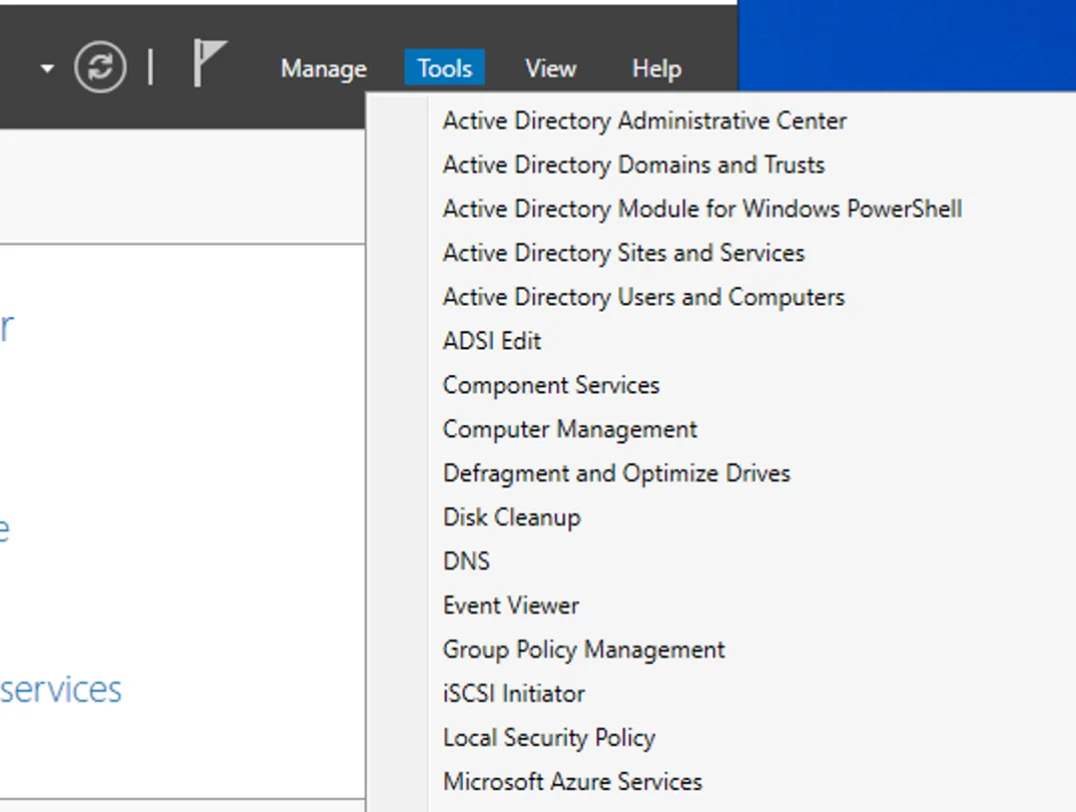
Why replace group policies with Intune
Group policies, namely, require contact with a domain controller. A computer that rarely connects to the office network or VPN therefore gets no new settings. At the same time, it is hard to see which computers have actually received the right settings.
The service solves both problems. As a result, the IT department sees in real time which computers follow the rules and which do not. Moreover, the supplier can ship new computers directly to the user, and Windows Autopilot configures them automatically.
Compliance in Intune
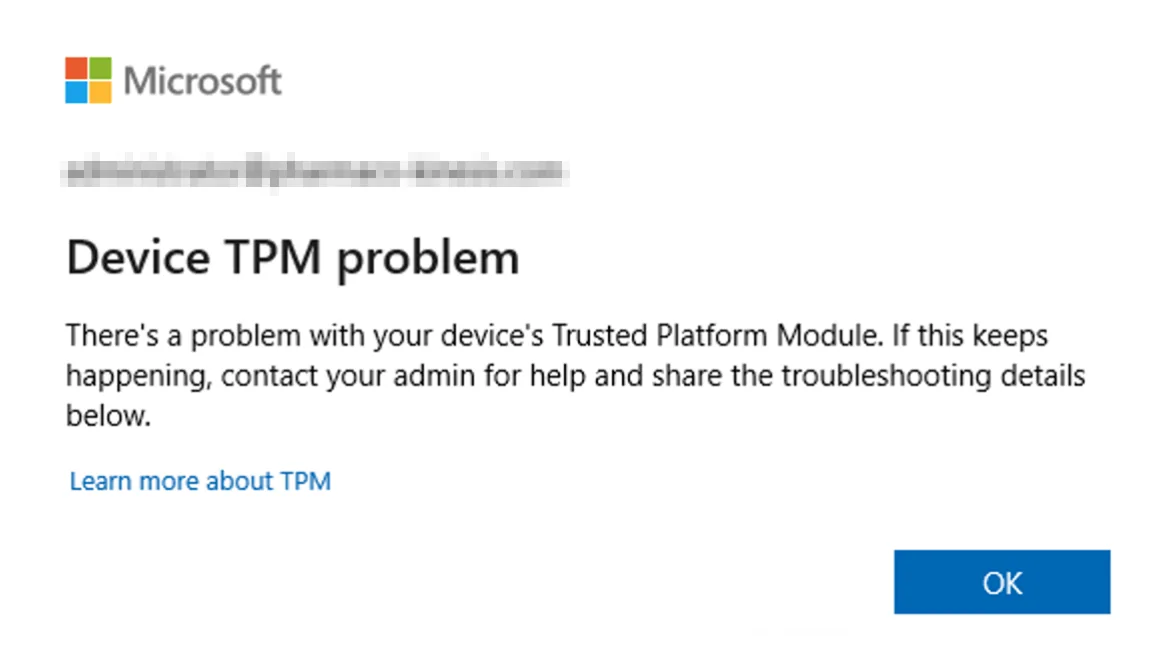
Compliance rules thus describe what a computer must meet. For example, the rule can require an encrypted disk with BitLocker, a current version of Windows, active antivirus and a working TPM chip.
After that, we connect the rules to conditional access in Entra ID. A computer that does not meet the requirements then cannot open email or documents until someone has fixed the fault. In other words, security becomes a condition for working, not a recommendation.
How we move from group policies to Intune
Group policy analysis
First, we load all group policies into the group policy analytics tool in Intune. The tool shows which settings have equivalents and which do not. It often turns out that many settings are old and unnecessary.
The settings catalog
Next, we build matching profiles in the settings catalog and the security baselines. We gather the settings in fewer and clearer profiles than the old group policies.
A step-by-step move
Then we move the computers in rounds. First a pilot group in the IT department, then one department at a time. During the move, we set which source applies, so that group policies and Intune do not clash.
Updates
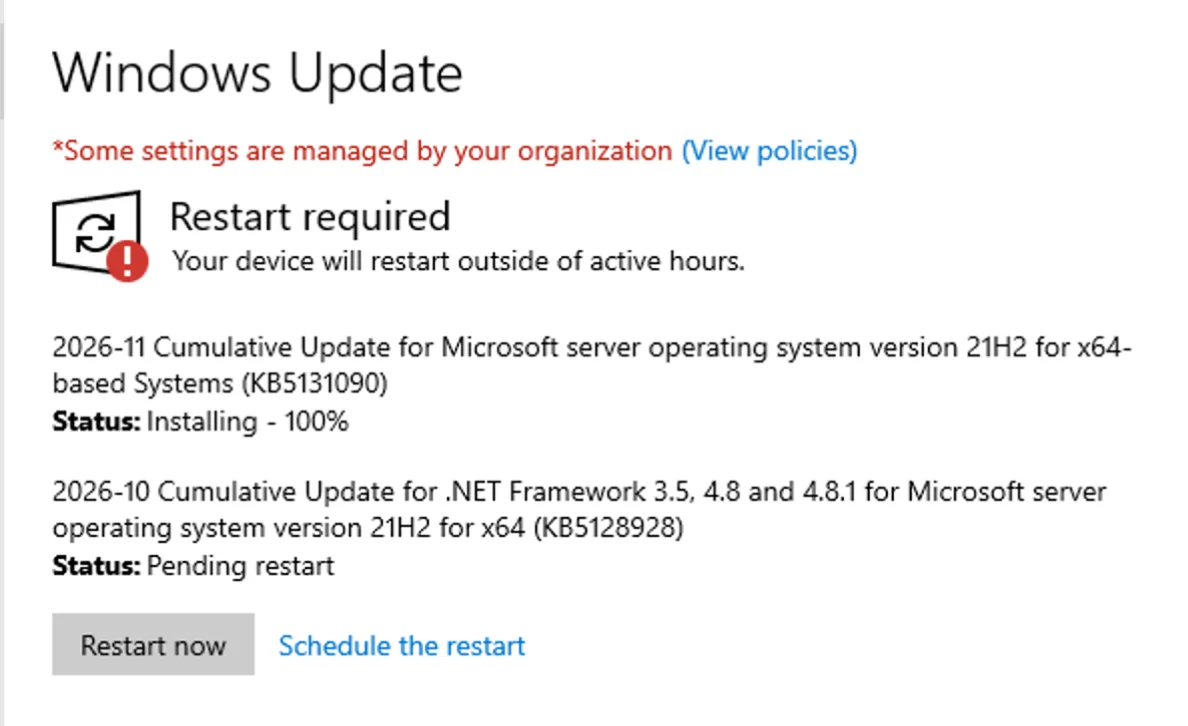
With update rings and Windows Autopatch, we also control when the computers get updates. First, a small test group gets them, then the rest of the organisation. If something goes wrong, we stop the rollout before it reaches everyone.
At the same time, we see which computers lag behind. Windows 10 reached the end of its support on 14 October 2025. Therefore, we also help upgrade the last computers to Windows 11.
Servers and the Windows firewall
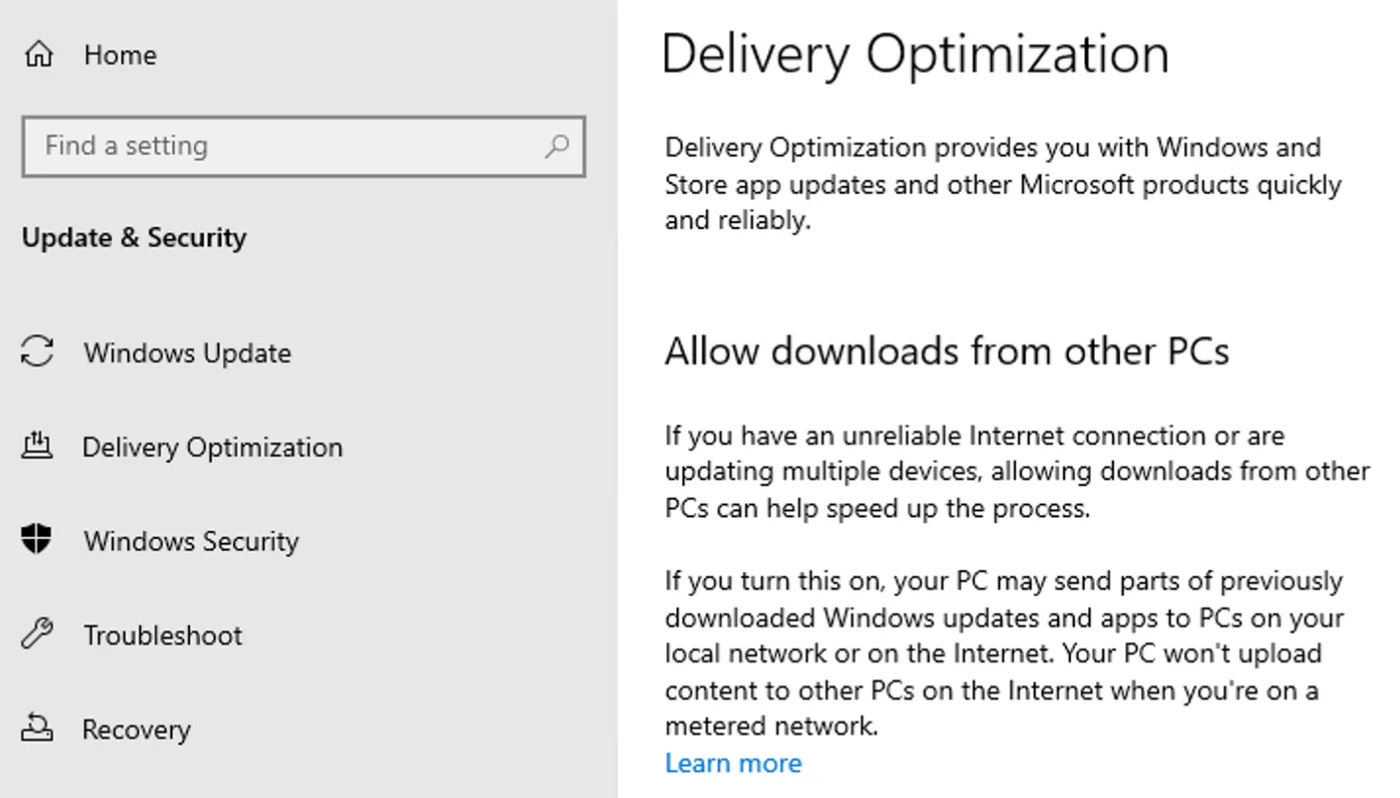
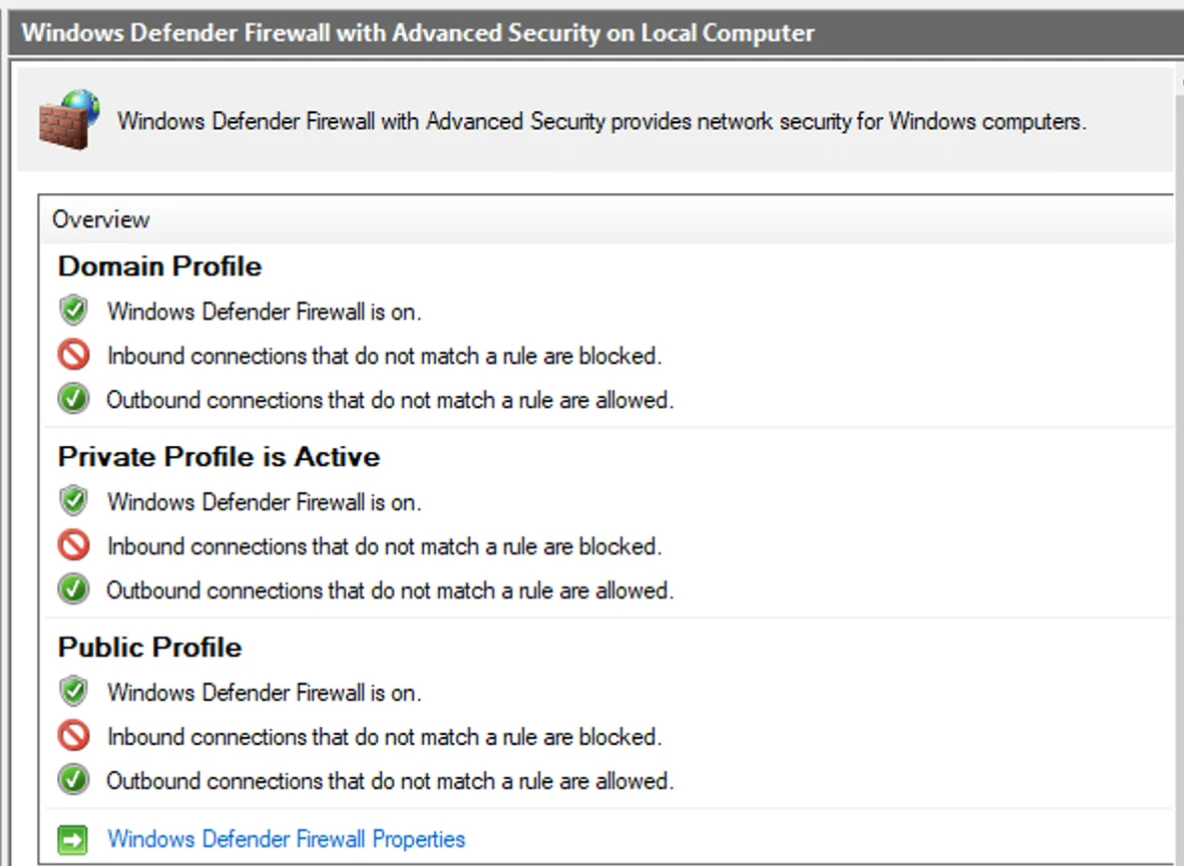
Microsoft built the service for computers and phones. Servers, on the other hand, we still manage with group policies, Azure Arc or Azure Policy. Therefore, we often keep a smaller set of group policies for the servers, for example for the Windows firewall and sign-in rules.
You can also read about Defender for Endpoint and about Windows 365 and Cloud PC.
Microsoft describes the service in its documentation on Microsoft Learn.
Why groups choose us for Intune
We have worked with Active Directory and group policies since the first versions and have moved large environments to Intune. As a result, we know which settings must come along and which we can remove.
Our prices start at €400 per hour excluding VAT. In addition, we offer a fixed price for a group policy analysis or a complete introduction. Contact us via the form on our home page.
Frequently asked questions about Intune
The basics
- What is Microsoft Intune?
- What is the difference between Intune and group policies?
- Can the service manage computers that are never in the office?
- What is Windows Autopilot?
- What are compliance rules?
- What happens to a computer that does not meet the requirements?
- What is a TPM chip?
- What is the settings catalog?
- What are security baselines?
- Which licences do we need?
The move
- How do you analyse our group policies?
- Can we move all group policies?
- How do we prevent Intune and group policies from clashing?
- How long does the move take?
- Do users notice anything?
- How do you control Windows updates?
- What is Windows Autopatch?
- What do we do with computers running Windows 10?
- How do you manage the servers?
- Can the service also manage Macs and phones?
Price and cooperation
- Do you work together with our IT department?
- Do you document the settings?
- Do you train our staff?
- Do you also help public authorities?
- Can you help us with new computers?
- What does a group policy analysis cost?
- What does a complete introduction cost?
- Do you offer a fixed price?
- Can you take care of operations continuously?
- How do we get started?