
When servers move to the cloud, the offices still need to reach them. At the same time, the clouds often need to talk to each other, for example when a database sits in AWS and users sign in via Azure. A site-to-site VPN connects the networks with an encrypted tunnel over the internet.
In this article, we explain how we build such connections for groups. We also show which mistakes most often lead to outages.
What a site-to-site VPN consists of
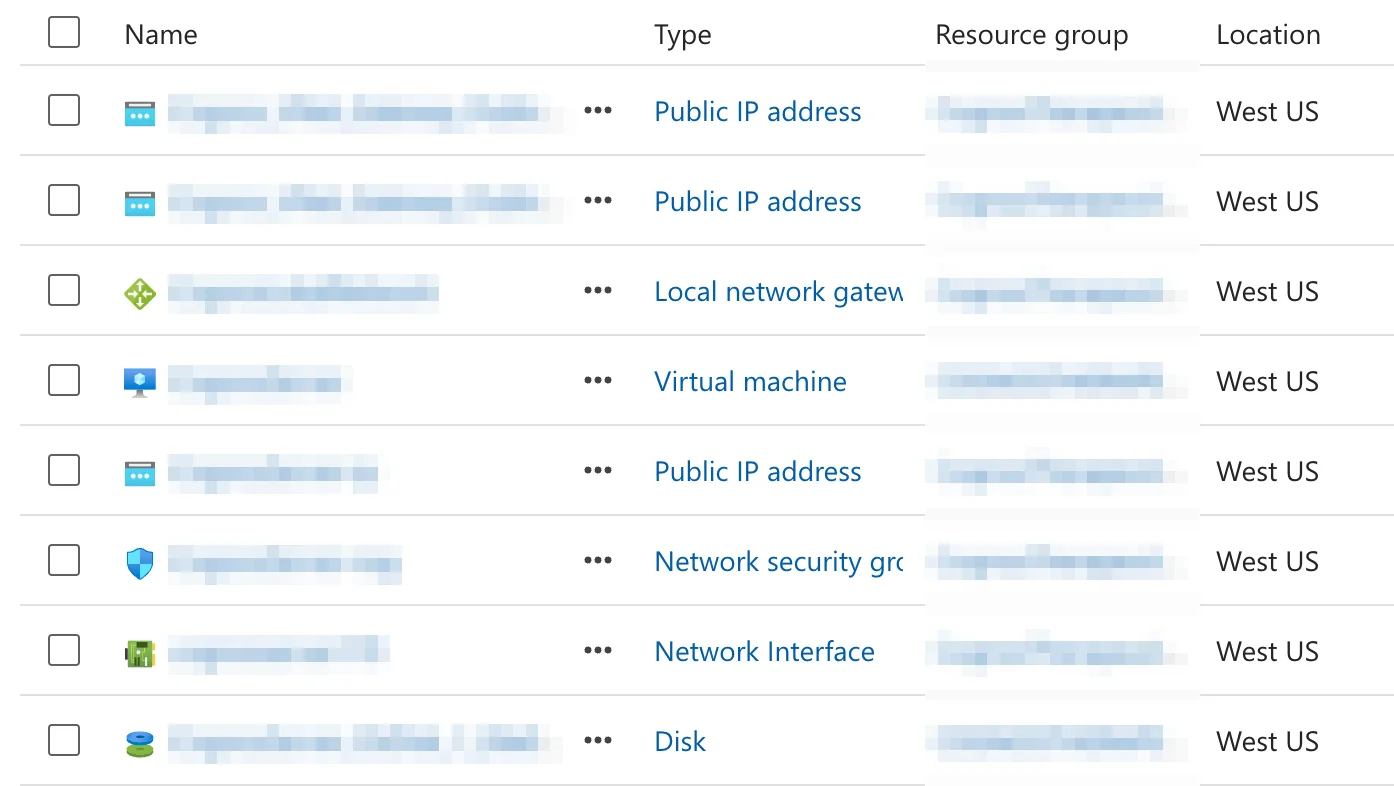
A connection always has two ends. In the office, it is usually a firewall, for example from SonicWall, Fortinet, Palo Alto or Cisco. In the cloud, it is a service that the cloud provider runs.
- Azure – VPN Gateway, a local network gateway that describes the office and a connection
- AWS – Virtual Private Gateway or Transit Gateway with Site-to-Site VPN
- Google Cloud – HA VPN with Cloud Router
- Oracle Cloud – Site-to-Site VPN via a Dynamic Routing Gateway
After that come the encryption parameters. Both ends must have the same IKE and IPsec settings, otherwise the tunnel never comes up.
How we build a site-to-site VPN to Azure
Address planning
First, we plan the addresses. The office network and the cloud network must not overlap. That sounds obvious, but in groups that have grown through acquisitions we often find several offices with the same address space.
Therefore, we draw up an address plan for the whole group before we build anything. The plan must also cover future acquisitions.
Gateway and connection
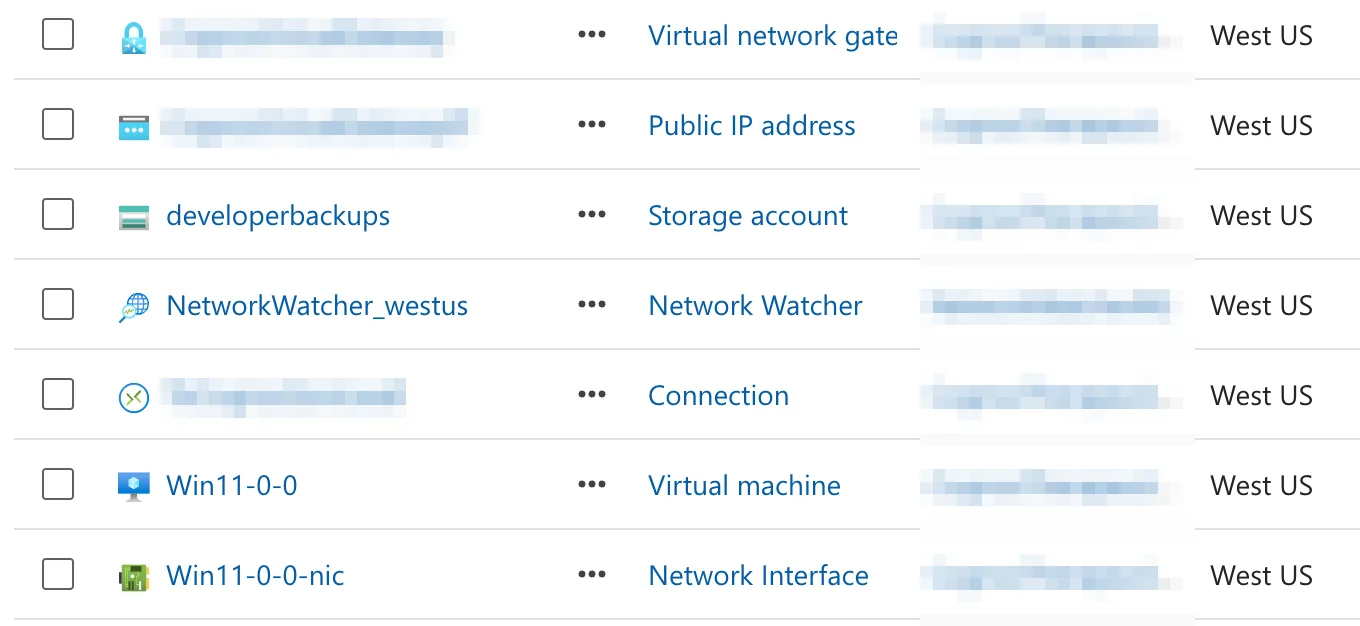
Next, we create the gateway in Azure. We choose a size that handles the traffic and a zone-redundant variant, so that the gateway keeps working if a data centre has problems.
Then we describe the office with a local network gateway. Finally, we connect them with a connection and a shared key that we keep in Azure Key Vault.
The office firewall
In the office, we set the same parameters in the firewall. Moreover, we make sure that timeouts and key renegotiation match at both ends. Errors here often cause short outages every hour, which are hard to troubleshoot afterwards.
Redundancy and routing with BGP
A single tunnel is a single point of failure. Therefore, we build at least two tunnels, preferably from two different internet providers in the office.
With BGP, both ends automatically learn which networks exist on the other side. When one tunnel goes down, the traffic moves to the other without anyone having to do anything.
At the same time, adding new networks becomes easier. With static routing, every change has to be made in several places, which often leads to errors.
A tunnel is not a firewall
A common misconception is that an encrypted tunnel also protects the networks. The tunnel, however, only encrypts the traffic. It does not stop an attacker in the office from reaching all servers in the cloud.
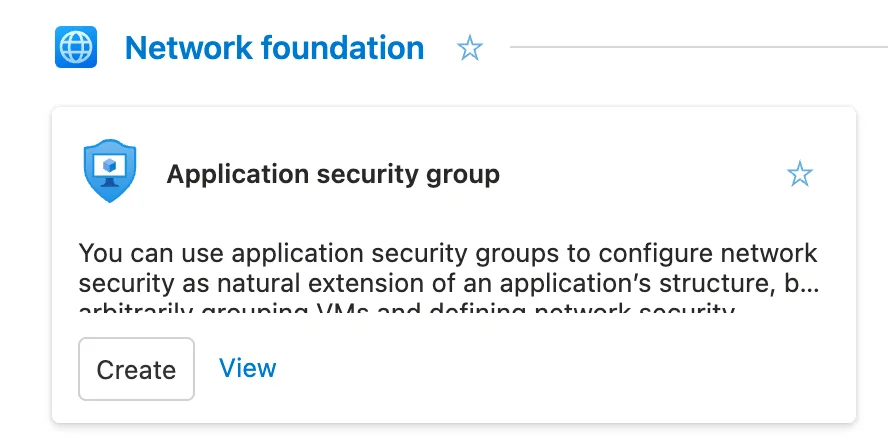
Therefore, we limit the traffic at both ends. In Azure, we use network security groups and application security groups. In addition, we only let through the ports that each system actually needs.
Site-to-site VPN between the clouds
More and more groups use several clouds. For example, identities can sit in Azure, an analytics environment in Google Cloud and an older application in AWS.
In that case, we build an encrypted connection directly between the clouds. Azure and AWS, for example, can connect with four tunnels and BGP. For large amounts of data, a dedicated connection via ExpressRoute, Direct Connect or Cloud Interconnect can be better.
Monitoring of site-to-site VPN
A connection that nobody monitors often goes down without anyone noticing until the users call. Therefore, we send logs and metrics to Azure Monitor or to the equivalent service in the other clouds.
We build alerts for tunnels that go down, for high load and for failed negotiations. At the same time, we document the whole setup, so that your own IT department can take over operations.
You can also read about migration from AWS to Azure, where the connections between the clouds are an important part, and about protective security in the IT environment.
Microsoft describes the service in the documentation for Azure VPN Gateway.
Why groups choose us for site-to-site VPN
We have built connections between offices, data centres and several clouds for many years. As a result, we know the common pitfalls with firewalls from different manufacturers.
Our prices start at €400 per hour excluding VAT. In addition, we offer a fixed price per connection or for a complete network design. Contact us via the form on our home page.
Frequently asked questions about site-to-site VPN
The basics
- What is a site-to-site VPN?
- How does it differ from a VPN for individual users?
- Which firewalls work with Azure?
- Can you connect a SonicWall to Azure?
- What are IKE and IPsec?
- Why must the addresses not overlap?
- What is a local network gateway in Azure?
- Which gateway size do we need?
- What does zone redundancy mean?
- How do you keep the shared key?
Operations and redundancy
- Why should we have two tunnels?
- What is BGP and why do we need it?
- What happens when an internet provider goes down?
- Why does the tunnel go down every hour?
- Does the tunnel protect our servers against intrusion?
- How do you limit the traffic through the tunnel?
- How do you monitor the connection?
- Can we connect Azure and AWS?
- Does it also work with Google Cloud and Oracle Cloud?
- When are ExpressRoute or Direct Connect better?
Price and cooperation
- What does the gateway in Azure cost?
- How long does it take to build a connection?
- Do you need to be on site in the office?
- Can you work with our network supplier?
- Do you document the solution?
- Can our IT department take over operations?
- What does a connection with your help cost?
- Do you offer a fixed price?
- Do you also help public authorities?
- How do we get started?