AI assistants such as Microsoft 365 Copilot can summarise meetings, write drafts and search all documents within seconds. Therefore, many groups and public authorities want to get started quickly. At the same time, however, there is a risk that many forget. Copilot shows everything the user has permission to see, even things the user should never have been able to see.
In this article, we explain how we prepare the environment, so that the AI assistant becomes a tool and not a new route for leaks.
Why the permissions decide everything
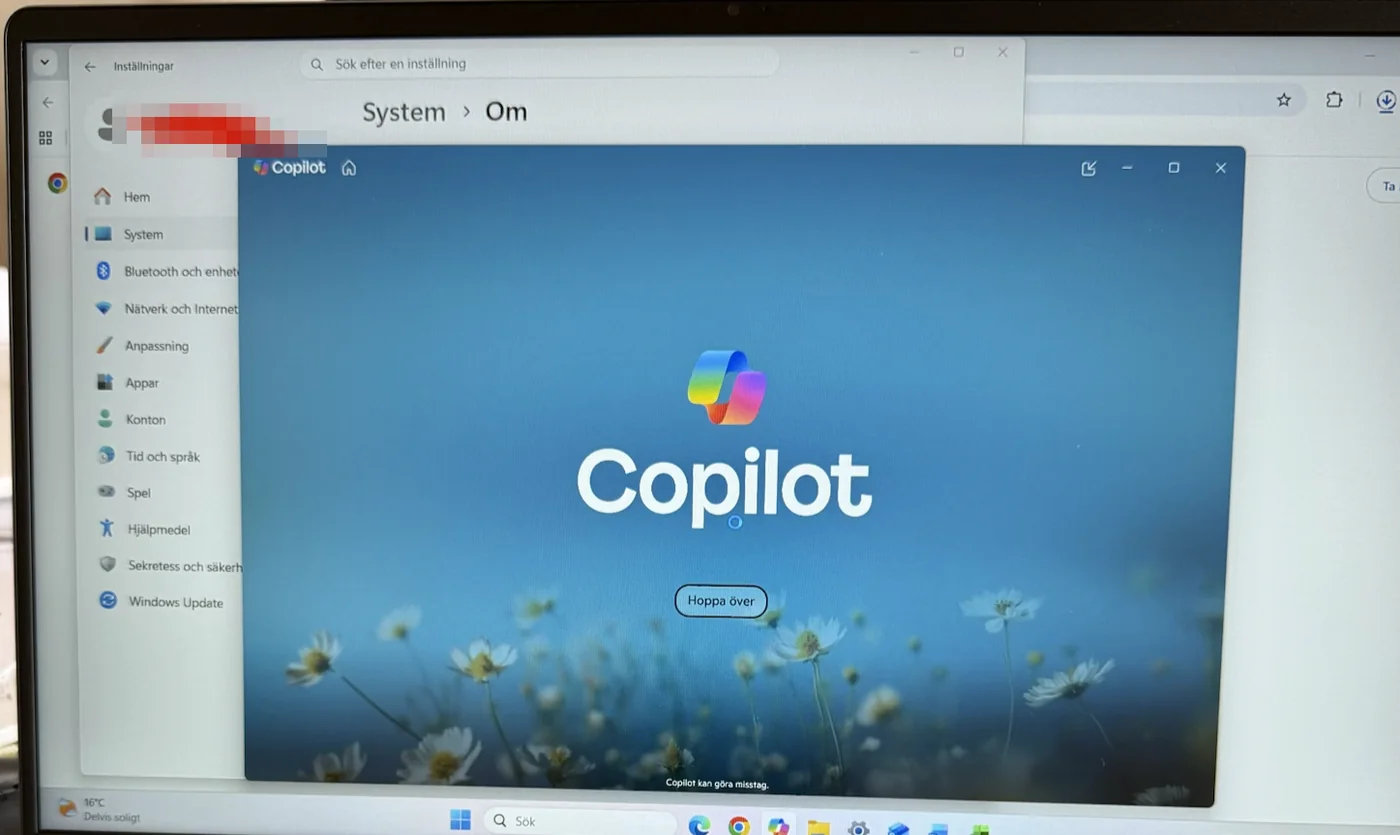
Copilot follows the permissions that already exist in Microsoft 365. That sounds reassuring, but in most environments the permissions are too broad. Staff have shared files with the whole organisation, old Teams groups are open and links that anyone can open have remained for years.
In the past, such files were hard to find. With Copilot, however, it is enough to ask about salaries, dismissals or acquisitions. In other words, every old share suddenly becomes visible.
How we prepare Microsoft 365 Copilot
Map the sharing
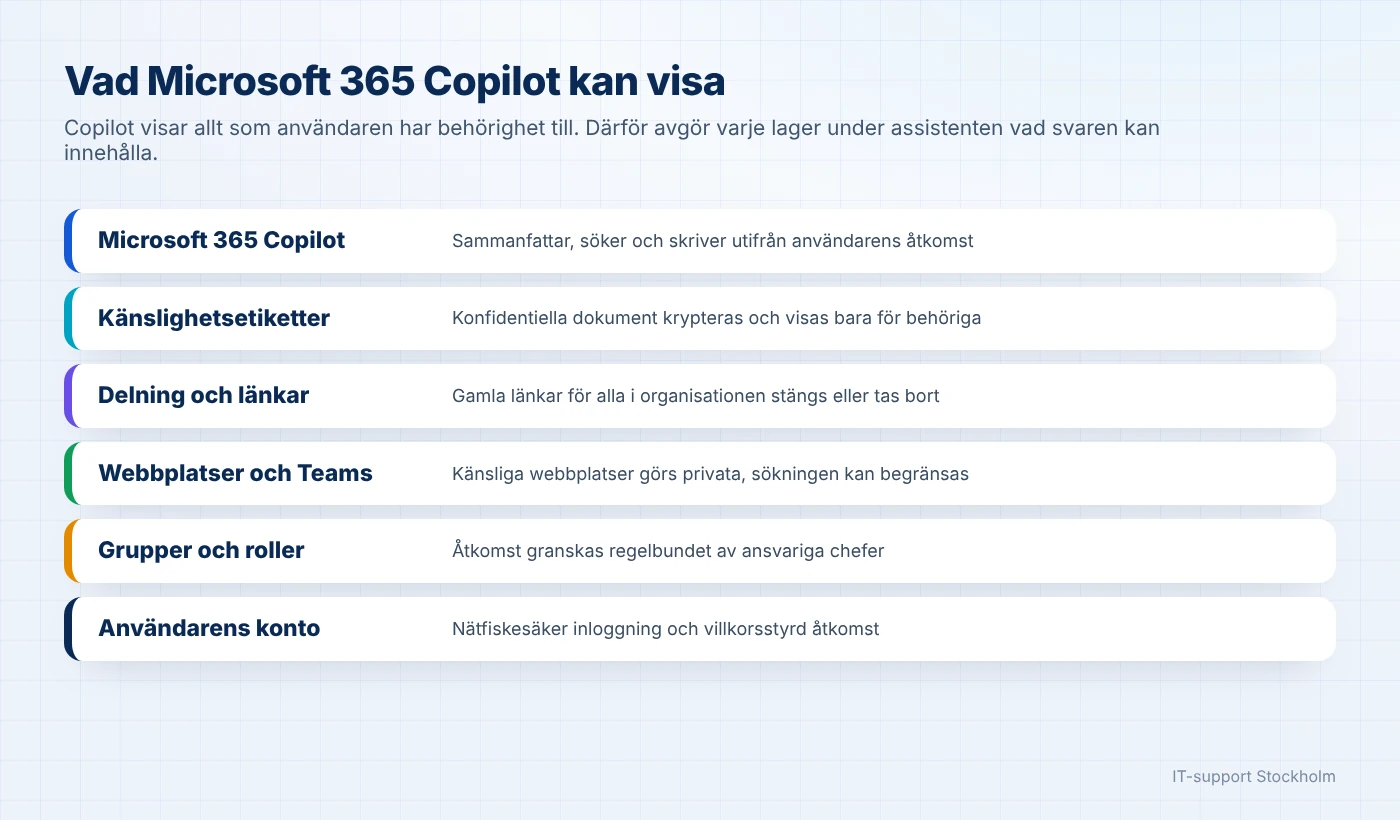
First, we map how people share files and sites. With the reports in SharePoint and the tools in Microsoft Purview, we find sites that are open to everyone and files with sensitive content that people share too broadly.
Clean up and restrict
Next, we clean up. We close old sharing links, make sensitive sites private and remove groups that nobody uses. For sites that must not appear in Copilot, we can also restrict search while the clean-up is in progress.
Sensitivity labels
At the same time, we introduce sensitivity labels. Purview encrypts a document labelled as confidential, and Copilot respects the label. Therefore, only authorised people can get answers based on the document.
Rules for the use of Microsoft 365 Copilot
Technology is not enough. Therefore, we draw up simple rules for how staff may use AI assistants. For example, the rules describe which information staff must never paste into external AI services and how they should check the answers before they use them.
In addition, we block or restrict AI services that the organisation has not approved. With Defender for Cloud Apps and Purview, we see which services people use and can stop uploads of sensitive files.
Public authorities and confidentiality
For public authorities, the Swedish Public Access to Information and Secrecy Act also applies. Therefore, we review where the service processes the information, which logs it keeps and how the authority can respond to a request for official documents that concern the AI service.
Follow-up of Microsoft 365 Copilot
Once Copilot is running, we follow up how staff use it. The reports in Microsoft 365 show which features people use most, and Purview shows whether sensitive information appears in questions and answers.
At the same time, we keep cleaning up the permissions. In other words, the AI project becomes a way to bring order to the whole information management.
Other AI assistants
The same principles apply to other AI assistants, for example ChatGPT Enterprise, Gemini in Google Workspace and your own solutions in Azure OpenAI. Therefore, we build a common framework for all AI services in the group. The framework describes which services the group approves, which information they may process and who is responsible for follow-up.
Furthermore, we review the agreements with the suppliers. This concerns, for example, where the supplier processes the information, how long it keeps it and whether the supplier uses it to improve the service.
You can also read about least privilege in the cloud and about IT security for law firms.
Microsoft describes how the service handles data in its documentation on Microsoft Learn.
Why groups choose us for Microsoft 365 Copilot
We have worked with permissions, SharePoint and information security for many years. As a result, we know where the dangerous shares usually hide and how we clean them up without stopping the work.
Our prices start at €400 per hour excluding VAT. In addition, we offer a fixed price for a Copilot preparation with a pilot group. Contact us via the form on our home page.
Frequently asked questions about Microsoft 365 Copilot
Function and risks
- What is Microsoft 365 Copilot?
- What can Copilot see?
- Why are broad permissions a risk?
- Can Copilot show salaries or personnel information?
- Does Microsoft train AI models on our data?
- Where does Microsoft process our information?
- Does Copilot respect sensitivity labels?
- Can we turn off Copilot for certain sites?
- How does it differ from free AI services?
- How do we stop uploads to external AI services?
Preparations
- How do you map the sharing?
- How long does a clean-up take?
- What is Microsoft Purview?
- What is Defender for Cloud Apps?
- Do we need rules for AI use?
- How do you train staff?
- How does a pilot group work?
- How do we measure the benefit?
- Does the same apply to other AI assistants?
- How do public authorities handle official documents and AI?
Price and cooperation
- What do Copilot licences cost?
- What does a preparation with your help cost?
- Do you offer a fixed price?
- Do you work together with our IT department?
- Do you document the settings?
- Can you follow up the use continuously?
- Do you also help law firms?
- Do you work on site in Stockholm?
- Can you help us with AI in Azure?
- How do we get started?