
Many companies started with Google Workspace when they were small. When they grow, get acquired or face requirements from clients and public authorities, they often want to switch to Microsoft 365. The reasons can be Teams, the integration with Windows and Entra ID, or that the group already uses Microsoft. A move from Google Workspace to Microsoft 365 covers email, calendars, contacts and files in Google Drive.
In this article, we go through how we plan the move and what usually causes problems.
What we move from Google Workspace to Microsoft 365
A move usually covers four parts.
- Email from Gmail to Exchange Online
- Calendars and contacts to Outlook
- Files from Google Drive and shared drives to OneDrive and SharePoint
- Groups and shared inboxes to groups and shared mailboxes
In addition, there are often things that the tools cannot move automatically. For example, you need to replace forms, sites and scripts in Google with equivalent tools in Microsoft 365.
How we plan the move from Google Workspace to Microsoft 365
Inventory
First, we review all accounts, groups and shared drives. At the same time, we find out which files staff use and which we can archive. In other words, we do not move old material that nobody needs.
Identities and sign-in
Next, we create the users in Microsoft 365 and introduce phishing-resistant sign-in from the first day. If the company uses Google as the sign-in for other services, we also move that connection to Entra ID.
How we move email and calendars
Microsoft has its own tool for moving email, calendars and contacts from Google Workspace. First, we move most of it in the background while users work as usual. After that, we switch the MX records in DNS and move the last items that have arrived.
At the same time, we set up DMARC, DKIM and SPF for the new environment. Otherwise, your email risks ending up in the recipients’ spam folders.
How we move the files
We move the files in Google Drive with Migration Manager in Microsoft 365, or with tools from other suppliers when the environment is large. Google Docs, Sheets and Slides then become Word, Excel and PowerPoint files.
However, not all features come along. For example, advanced formulas or scripts in spreadsheets may need adjustment. Therefore, we test the most important files together with the users before the move.
Computers and phones
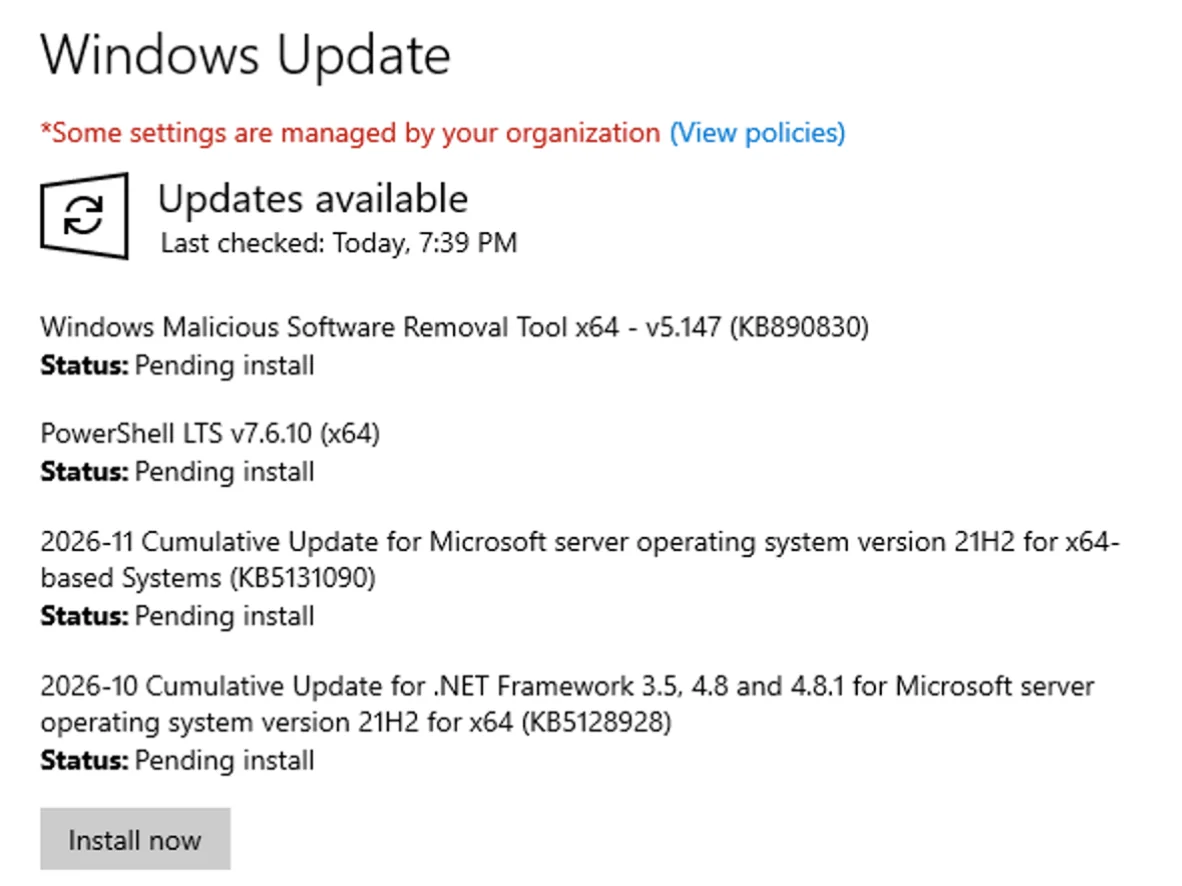
A move is also a good opportunity to take control of the computers. Therefore, we connect them to Entra ID and Intune. Users get Office, Teams and OneDrive installed automatically, and the IT department can control security centrally.
At the same time, we move the phones to Outlook and Teams. Moreover, app protection in Intune keeps the company’s data separate from private apps.
After the move
We keep Google Workspace for a few weeks after the move, so that nothing gets lost. After that, we cancel the licences and archive whatever you must keep.
In addition, we train the users in Teams, OneDrive and sharing, because the way of working differs slightly from Google.
You can also read about tenant migration in acquisitions and mergers and about Exchange Online.
Microsoft describes the email move in its documentation on Microsoft Learn.
Why companies choose us for the move from Google Workspace to Microsoft 365
We have moved companies, law firms and group companies between Google and Microsoft. As a result, we know which parts need extra planning and how we prevent users from losing email or files.
Our prices start at €400 per hour excluding VAT. In addition, we offer a fixed price per user or for the whole move. Contact us via the form on our home page.
Frequently asked questions about moving from Google Workspace to Microsoft 365
Content
- What can we move from Google Workspace?
- Do old emails come along?
- Do calendars and meetings come along?
- What happens to the contacts?
- How do you move the files in Google Drive?
- Do Google Docs become Word files?
- What happens to shared drives?
- Does file sharing come along?
- What happens to Google Forms and Sites?
- Can we move Google Groups?
Execution
- How long does the move take?
- Do users notice anything during the move?
- When do you switch the MX records?
- Can we move one company or department at a time?
- Which tools do you use?
- Do users need new passwords?
- How do you handle Google sign-in to other services?
- Do you also connect the computers to Intune?
- How do you handle the phones?
- How long should we keep Google Workspace?
Price and cooperation
- Which Microsoft 365 licences do we need?
- Do you train the users?
- Do you work evenings and weekends?
- Do you also introduce DMARC, DKIM and SPF?
- Do you document the new environment?
- What does a move cost?
- Do you offer a fixed price?
- Can you take care of operations afterwards?
- Do you also help with moves in the other direction?
- How do we get started?