
Bot protection with reCAPTCHA is today a basic control for every organisation that receives requests, orders or sign-ins via the web. Automated attacks cost the attacker little but cost the targeted organisation a great deal.
A real attack on our own forms
In November 2026, Datorkirurgen AB received a wave of spam via the contact forms on several of its own websites. The messages followed the same pattern in several languages and contained links to external pages. In addition, four out of six websites lacked active bot protection, even though keys were already in place for several of them.
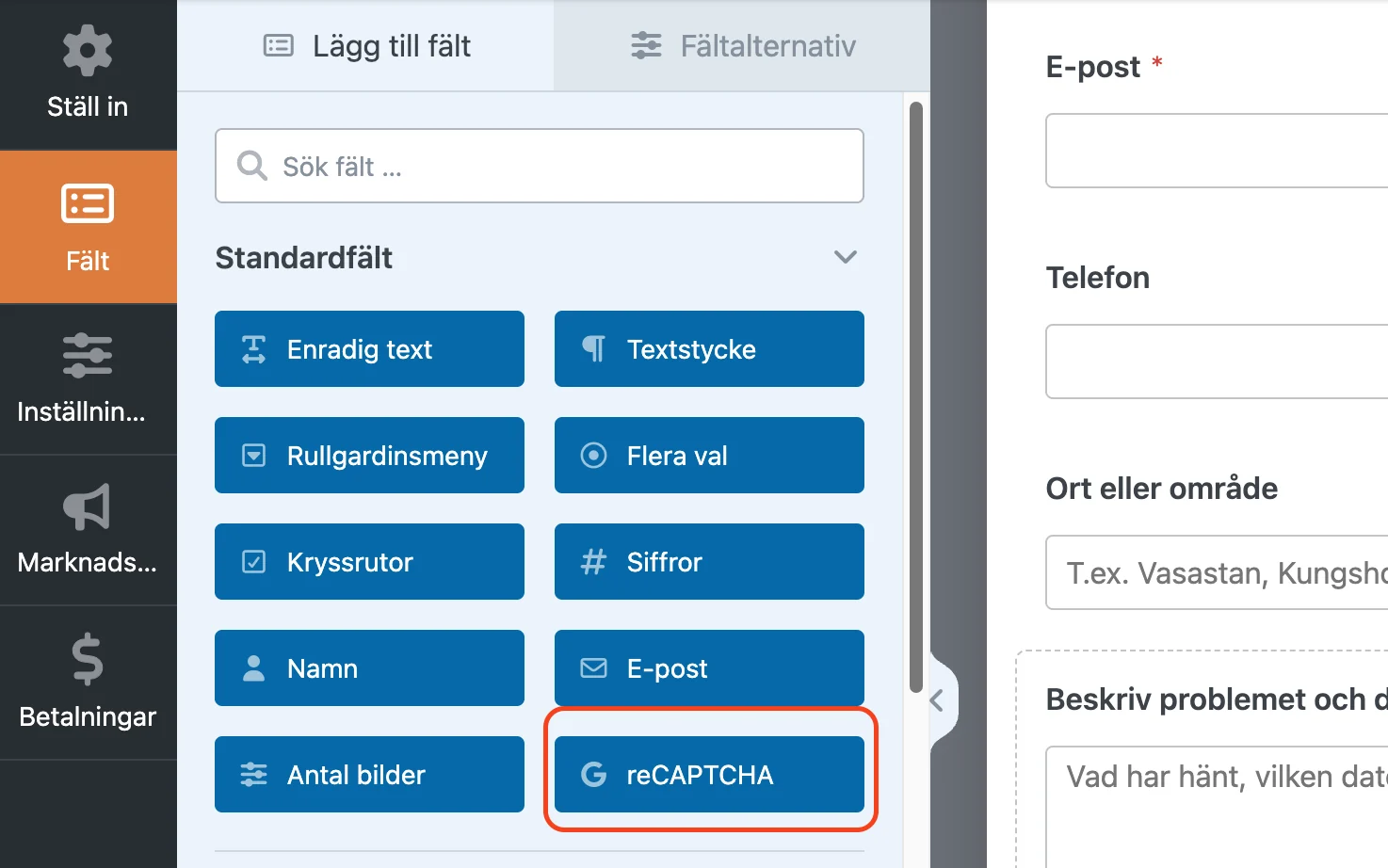
The cause was a common configuration mistake. The keys were in the settings, but nobody had activated the protection in the forms themselves. As a result, the page never loaded the script, and Google made no assessment. We activated the protection in every form, checked in the source code that the page loaded the right key and then followed the traffic in the console.
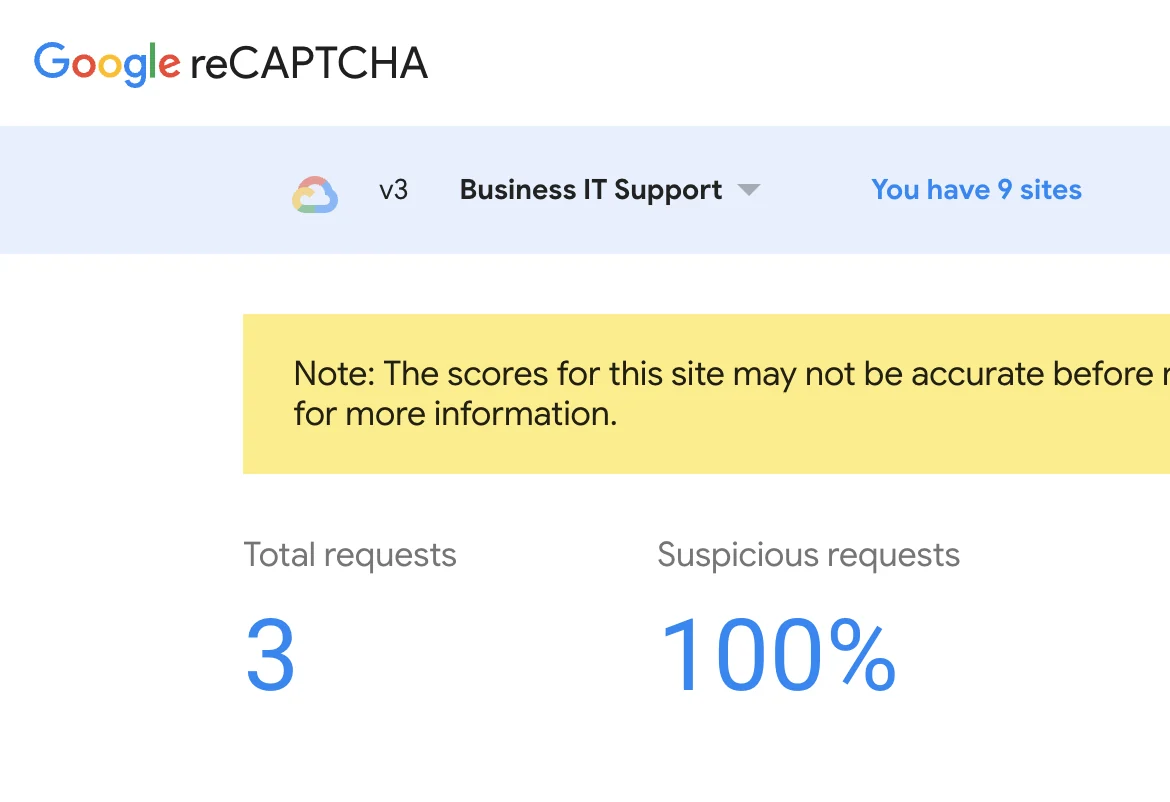
How bot protection with reCAPTCHA works
Risk score instead of puzzles
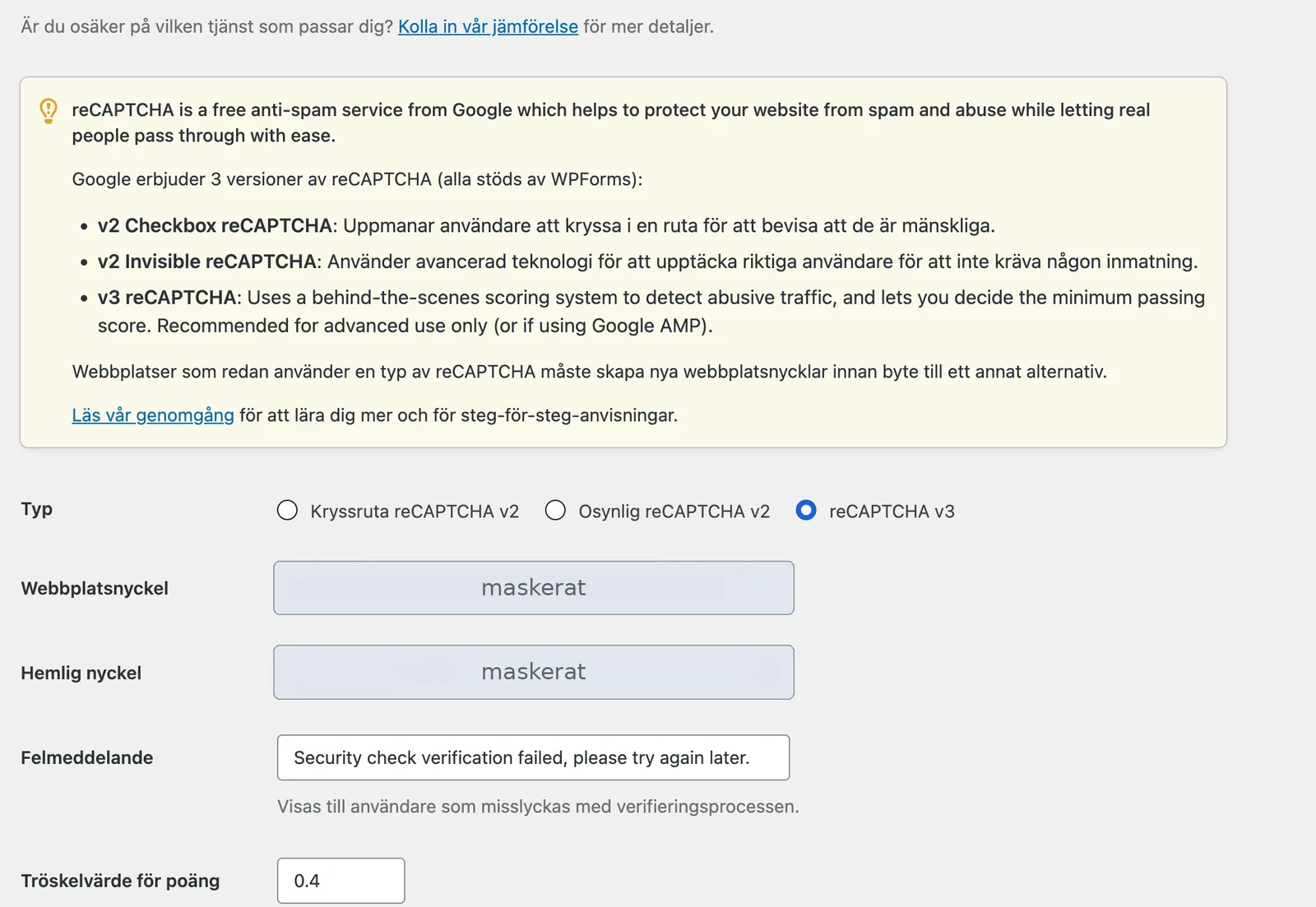
Version 3 of reCAPTCHA shows no image challenges. Instead, the service analyses the behaviour on the page and gives every action a score between 0.0 and 1.0. A low value suggests automated traffic. The server then compares the score with a threshold and decides whether it approves the request, rejects it or requires an additional check.
Verification on the server side
The browser creates a token, but the server verifies it with Google using the secret key. Therefore, we also check that the response applies to the right domain and the right action. In fact, an attacker can bypass bot protection that only works in the browser with a simple script that posts directly to the form address.
The threats that bot protection stops
OWASP describes automated threats against web applications in its own catalogue. For our clients, three of them are particularly common. The first is credential stuffing, where attackers try leaked usernames and passwords against sign-in pages. The second is mass registration of fake accounts. The third is form spam that attackers use for phishing or to spread malicious code to employees.
Moreover, the consequences reach further than a full inbox. For example, attackers can abuse a form that sends automatic receipts to spread phishing in your name, which in turn harms the domain’s reputation with Microsoft and Google. In the same way, fake accounts can burden customer service, distort statistics and give attackers a foothold in the customer portal.
At the same time, traffic from AI agents that can fill in forms in a more human way is growing. Google therefore launched Google Cloud Fraud Defense in April 2026, where reCAPTCHA remains the core of the bot protection. For a group, this means that the organisation can expand the protection step by step, from contact forms to sign-in, registration and payment.
Bot protection with reCAPTCHA in a group environment
A group often has dozens of websites, campaign pages and customer portals with different owners. Therefore, we gather the keys in the group’s Google Cloud organisation, with one project per business area and one key per domain. We assign permissions via IAM according to the principle of least privilege, and we activate budget alerts on the billing account.
The free tier of 10,000 assessments per month applies to the whole organisation. In addition, if the organisation passes the limit without billing enabled, the service stops delivering scores. We therefore follow the volumes and connect deviations to the group’s incident response routines, so that we detect an attack before it affects the business.
We also recommend a clear division of responsibility between IT, the security function and the web agencies. For example, the web agency should be able to create keys for its domains, but only group IT should be able to change billing and organisation rules. In this way, the protection stays consistent even when many suppliers work in parallel in the same environment.
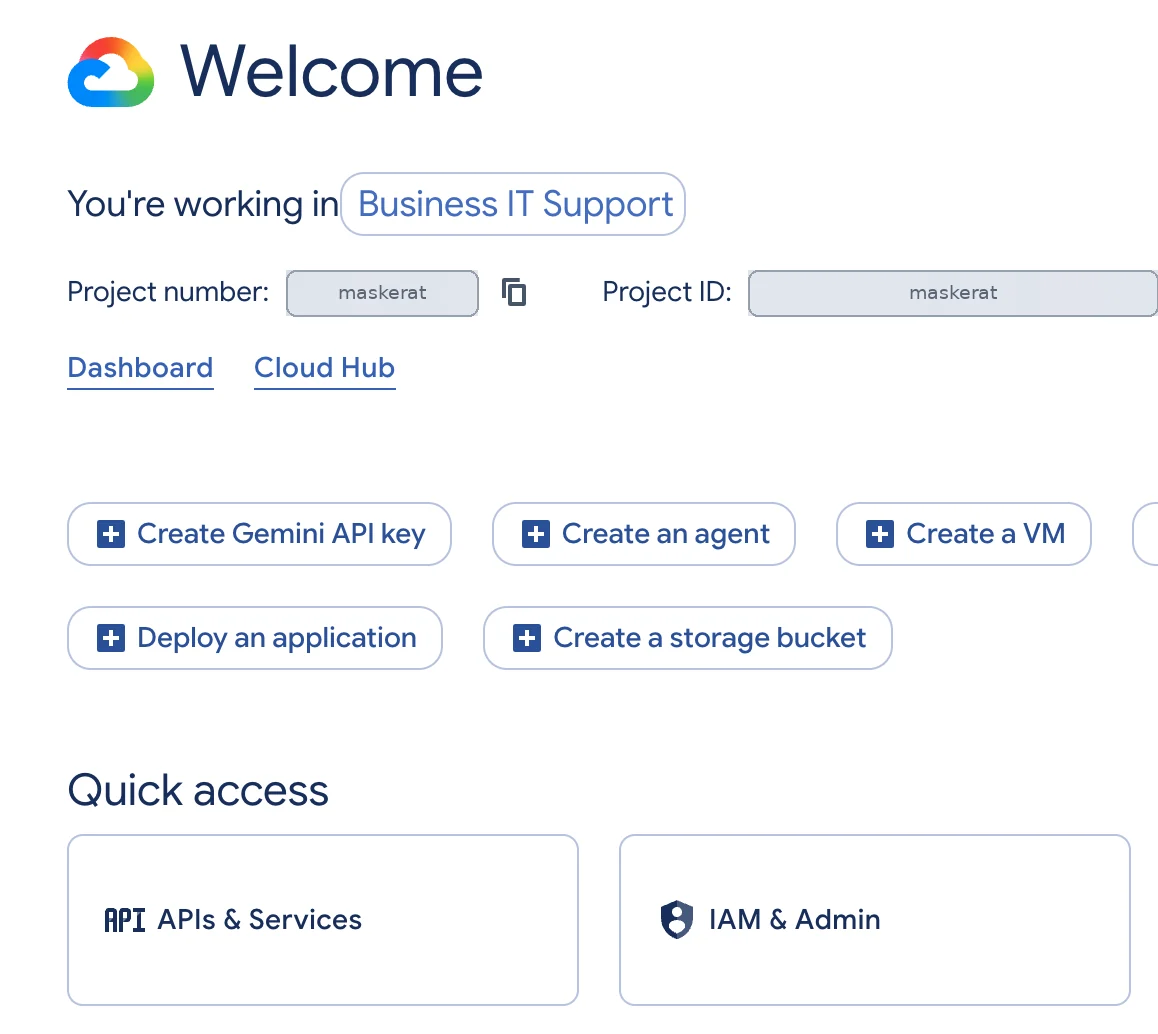
The introduction step by step
First, we take inventory of all forms, sign-ins and API calls that receive data from the internet. After that, we create keys, activate the protection in every form and verify in the source code that the page loads the right key. Then we let the protection collect scores for a period, because Google states that scores in a test environment can differ from production.
Finally, we set thresholds per action and add protection in several layers. For example, this can be rate limiting, a security question on the server side, rules in the web application firewall and multi-factor authentication at low scores. We also update the privacy policy and document ownership, keys and rotation routines.
Why groups hire us for bot protection with reCAPTCHA
We have introduced bot protection on websites, customer portals and sign-in flows in environments with many domains and suppliers. Therefore, we know where the configuration usually fails and how we verify that the protection actually works. Google also describes its recommendations in best practices against automated threats.
Our prices start at €400 per hour excluding VAT. In addition, we offer a fixed price for the whole introduction, from inventory to follow-up. Contact us via the form on our home page.
Frequently asked questions about bot protection with reCAPTCHA
The technology behind bot protection with reCAPTCHA
- How does reCAPTCHA v3 work?
- What does the risk score mean?
- Why does v3 show no image challenges?
- What is an action in reCAPTCHA?
- Why does the server verify every token?
- What is the difference between reCAPTCHA and a web application firewall?
- What is credential stuffing?
- Can AI agents get past reCAPTCHA?
- What is Google Cloud Fraud Defense?
- Which automated threats does OWASP list?
The introduction
- How do you find all forms that need protection?
- Why is it not enough to add the keys?
- How do you choose the threshold?
- Can the protection stop real visitors by mistake?
- How do you test the protection before it goes live?
- Does every domain need its own key?
- How do you assign permissions in Google Cloud?
- What happens when the free tier runs out?
- How does reCAPTCHA affect the privacy policy?
- How often should you rotate the secret key?
Price and cooperation
- Can you protect sign-in and registration too?
- Do you connect alerts to our incident response?
- Do you work with our web agency?
- Do you also help public authorities and law firms?
- Do you work remotely?
- What does an introduction of bot protection cost?
- Do you offer a fixed price?
- Can you follow up the protection continuously?
- What do we do if a spam wave has already reached us?
- How do we get started?